


 Navimow I2 LIDAR and LIDAR PRO Guides
 How to Videos
Yes. It’s recommended to purchase our official Navimow i2 LiDAR Pro Garage M to acquire shelter and extra protection for Navimow i2 LiDAR Pro.

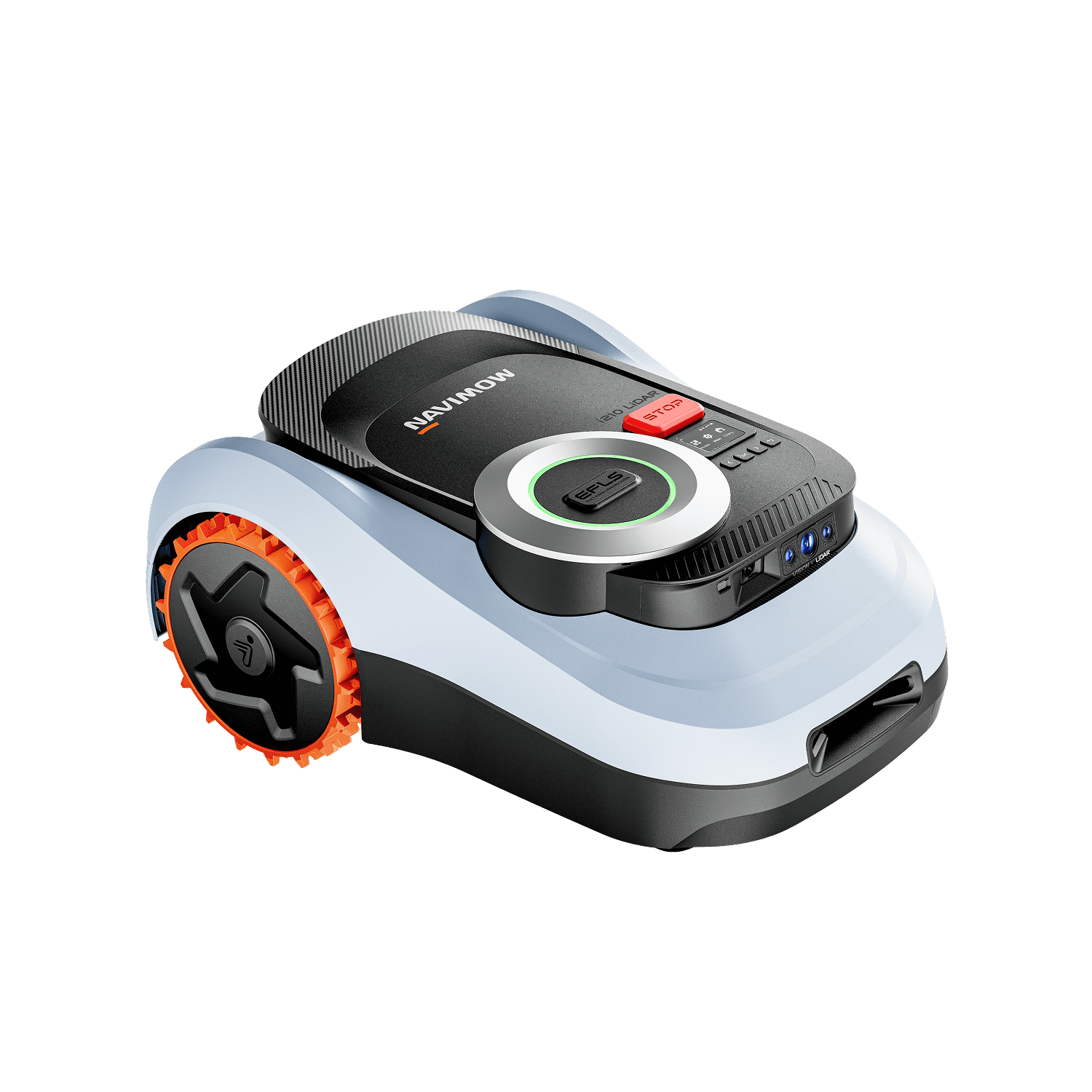
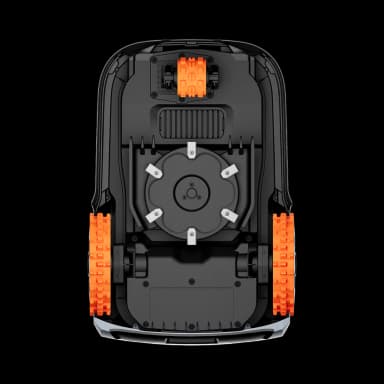
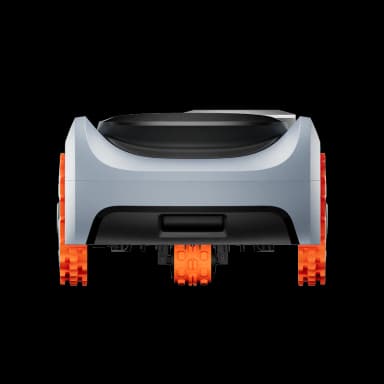
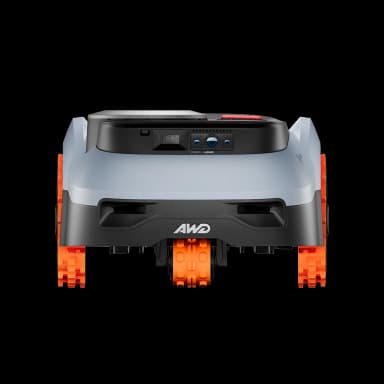
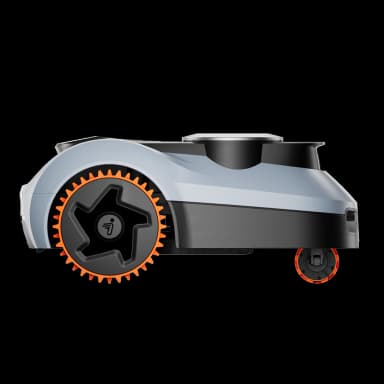
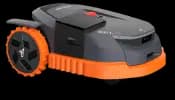
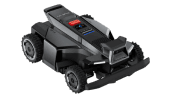
The High-Performance Flagship: i210E LiDARPRO
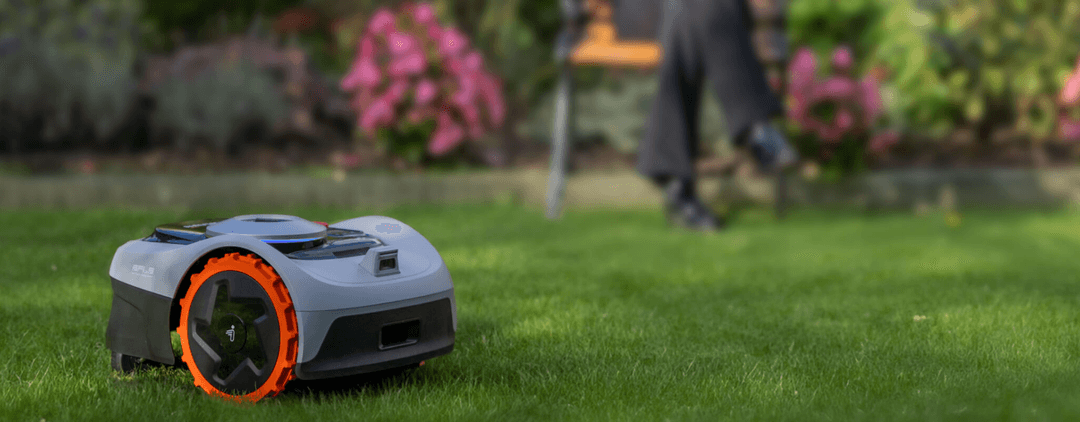
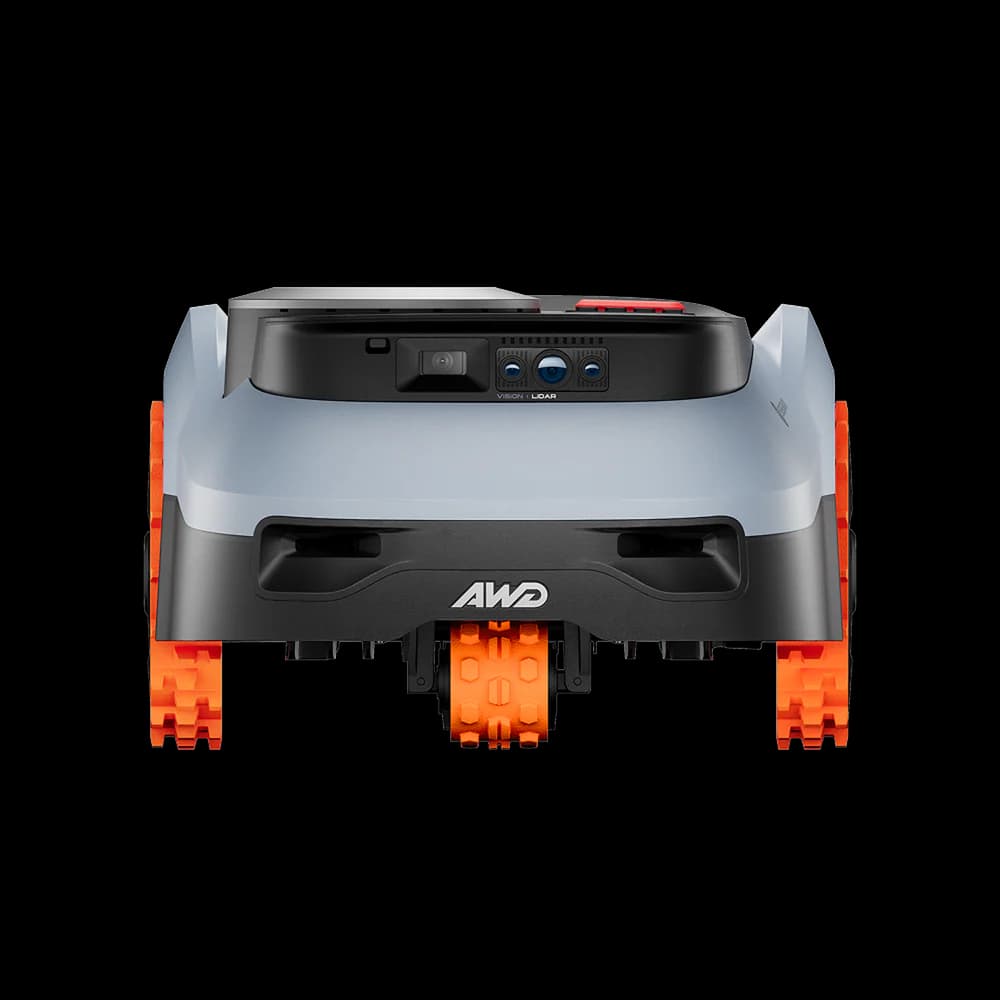
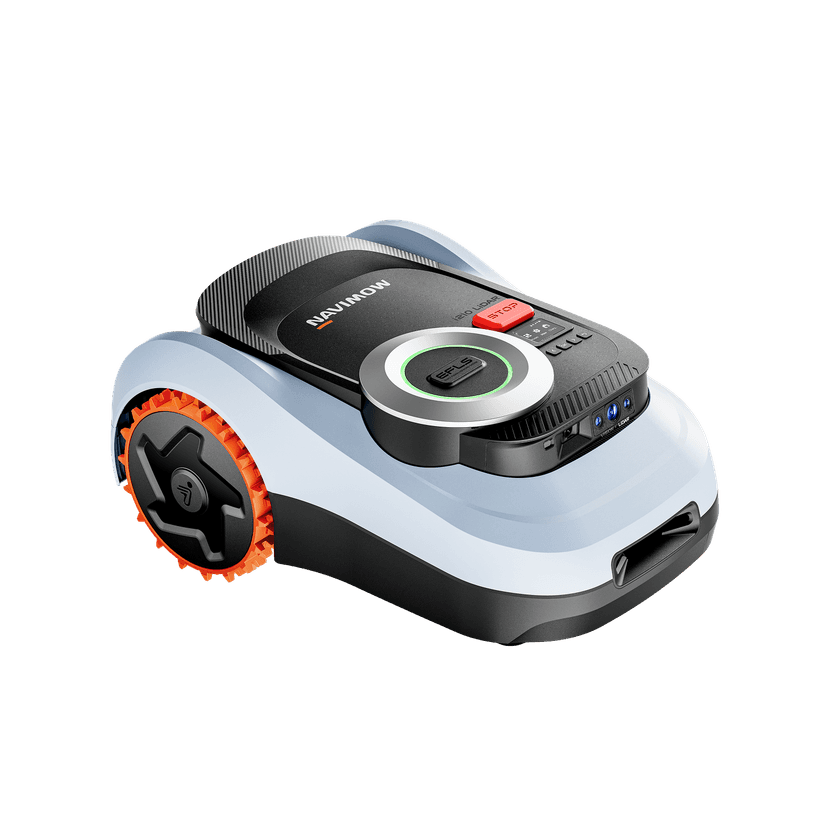
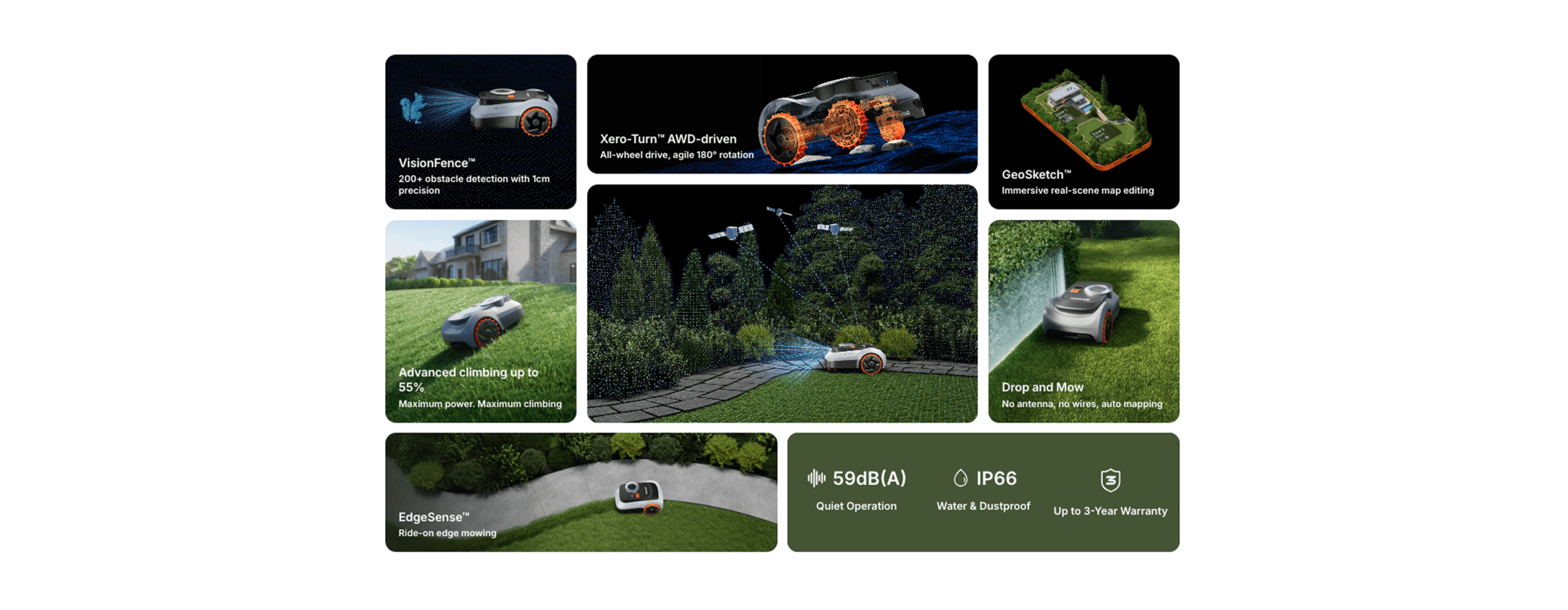
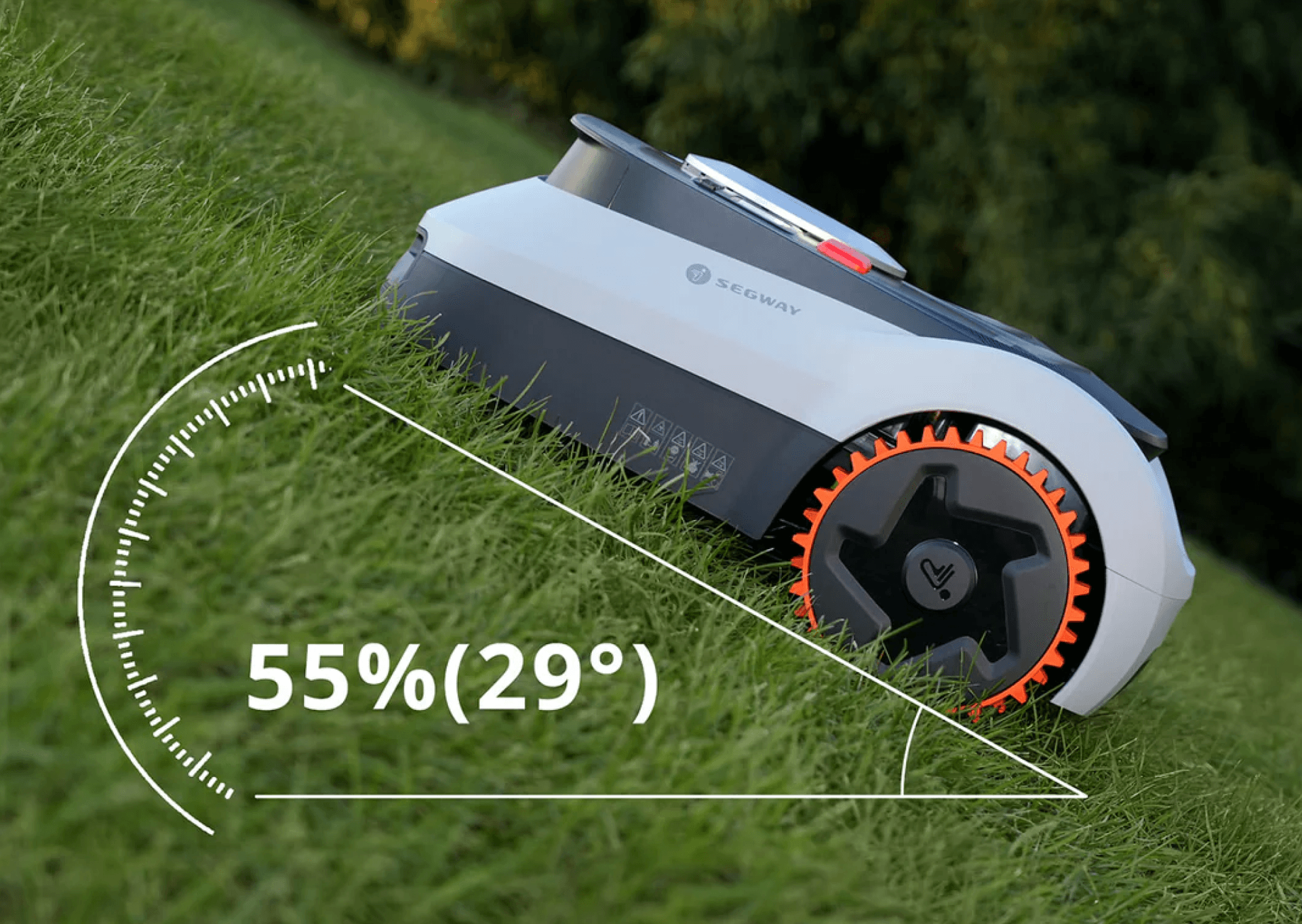
The Navimow i210E LiDARPRO is the ultimate wire-free robotic mower for lawns up to 1,000m². Combining 3D LiDAR mapping with an advanced AWD drive system, this Pro model conquers steep gradients of up to 55% (29°). With EFLS™ LiDAR technology scanning 200,000 points per second, it creates an ultra-dense 3D map for superior stability on mud, slopes, or slippery ground.
Pro Performance Features
| Recommended Mowing Area | 1,000m² |
| Driving Engine | 3 AWD (All-Wheel Drive) |
| Max Slope Ability | 55% (29°) |
| Cutting H/W | 2-7cm / 22cm |
| Battery Capacity | 5.1Ah |
| System Navigation | LiDAR + NRTK + Vision (Triple Fusion) |
| Noise Level | 59 dB(A) |
| Mapping Method | Auto Mapping (GeoSketch™) |
RRP (inc VAT) £1399
Authorised Dealer Experience
See how Navimow Robotic mowers save you time maintaining your garden with an in-person demo delivered by our factory-trained UK specialists.
In-store exclusive models (enter your postcode to find your nearest Authorised Dealer):
NEW – I2 AWD Series: I206EAWD | I210EAWD
NEW – I2 LIDAR & LIDAR Pro Series: I210ELIDAR | I210ELIDAR PRO | I220ELIDAR
Models available to purchase online:
i205 AWD, i208 AWD, i208 LiDAR, i215 LiDAR, i220 LIDAR Pro
Find your local Stockist by entering your Postcode below


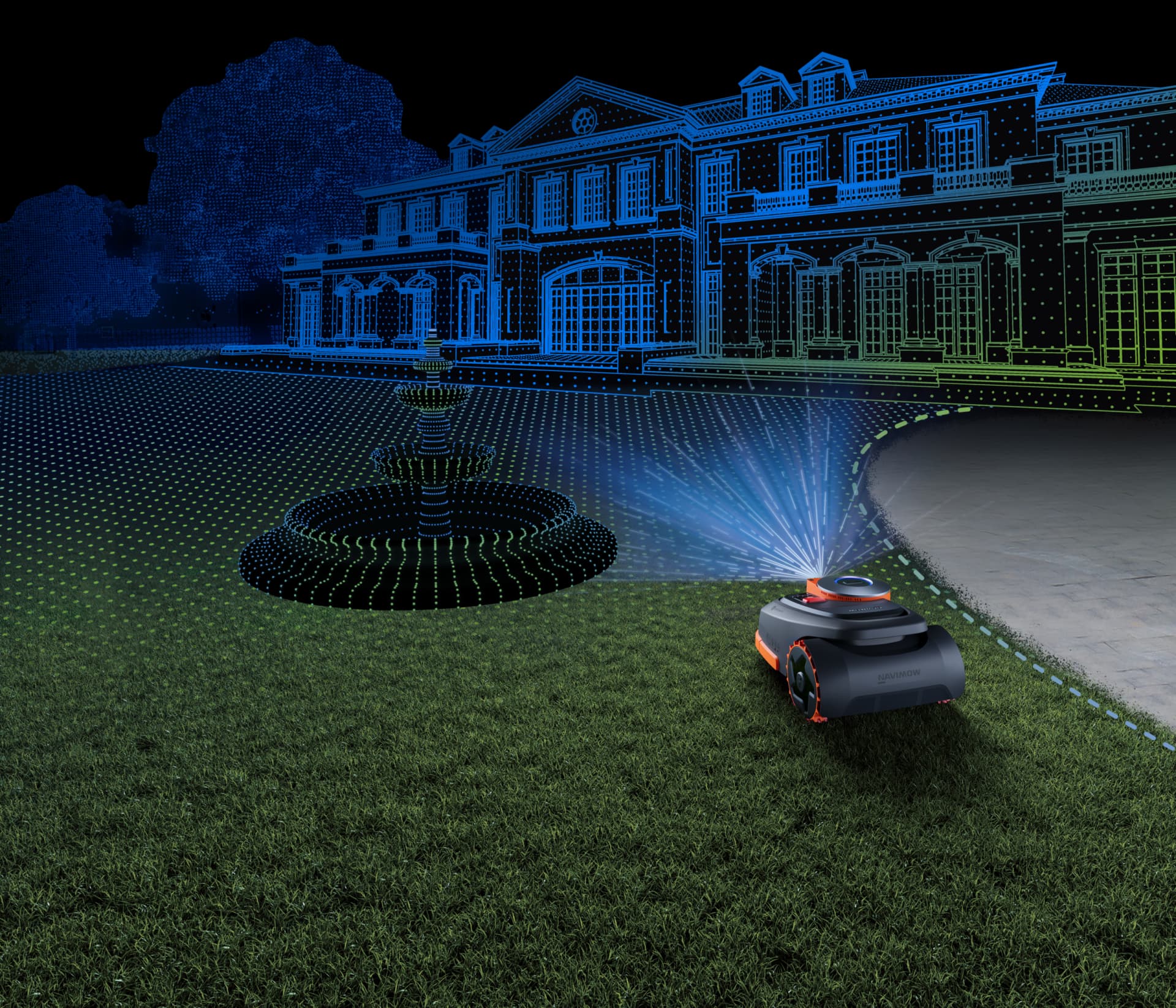
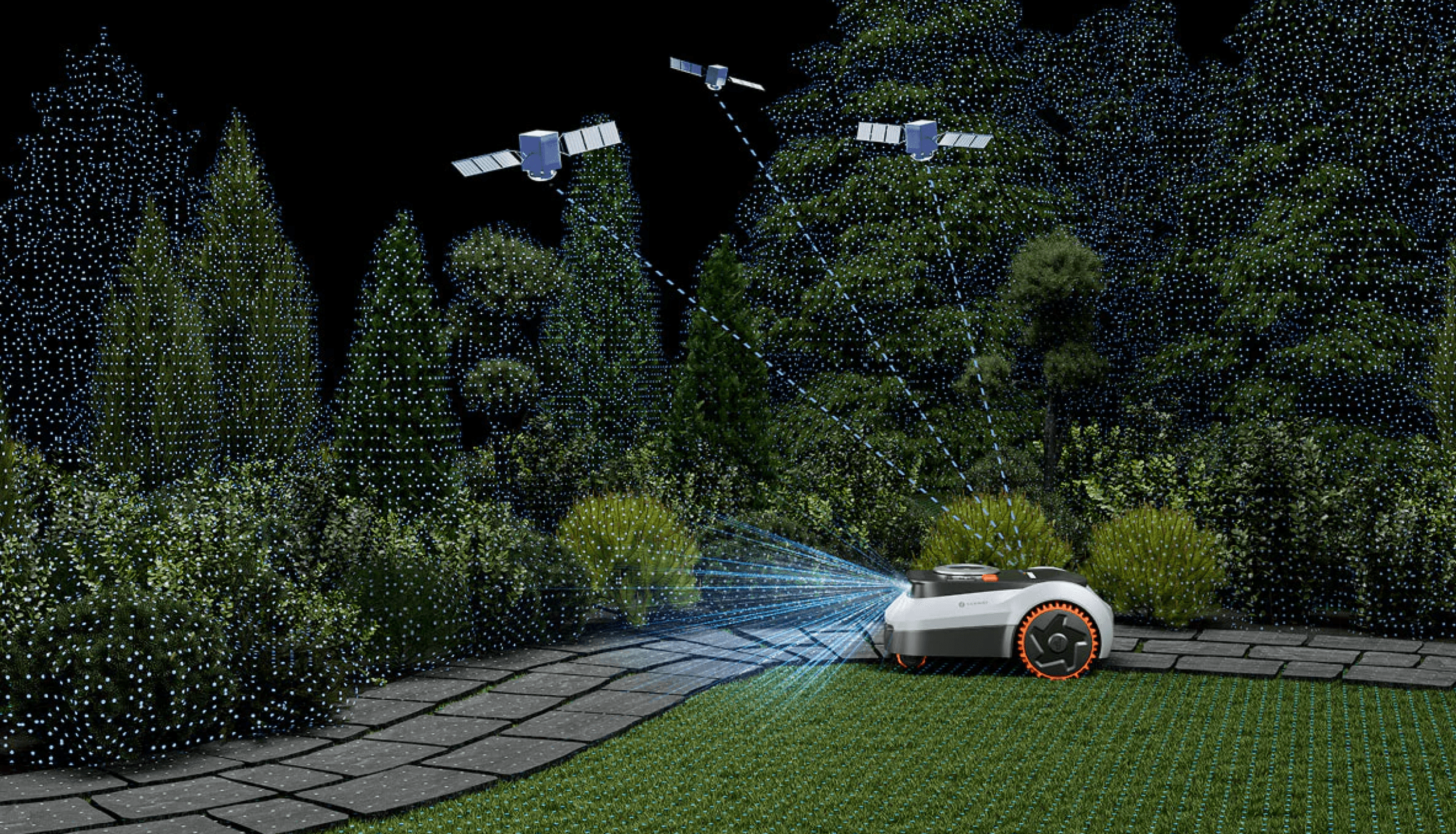
Next-Gen LiDAR for ultra-accurate navigation.
Precision powered by LiDAR, Vision, and Network RTK. Derived from autonomous-driving systems.
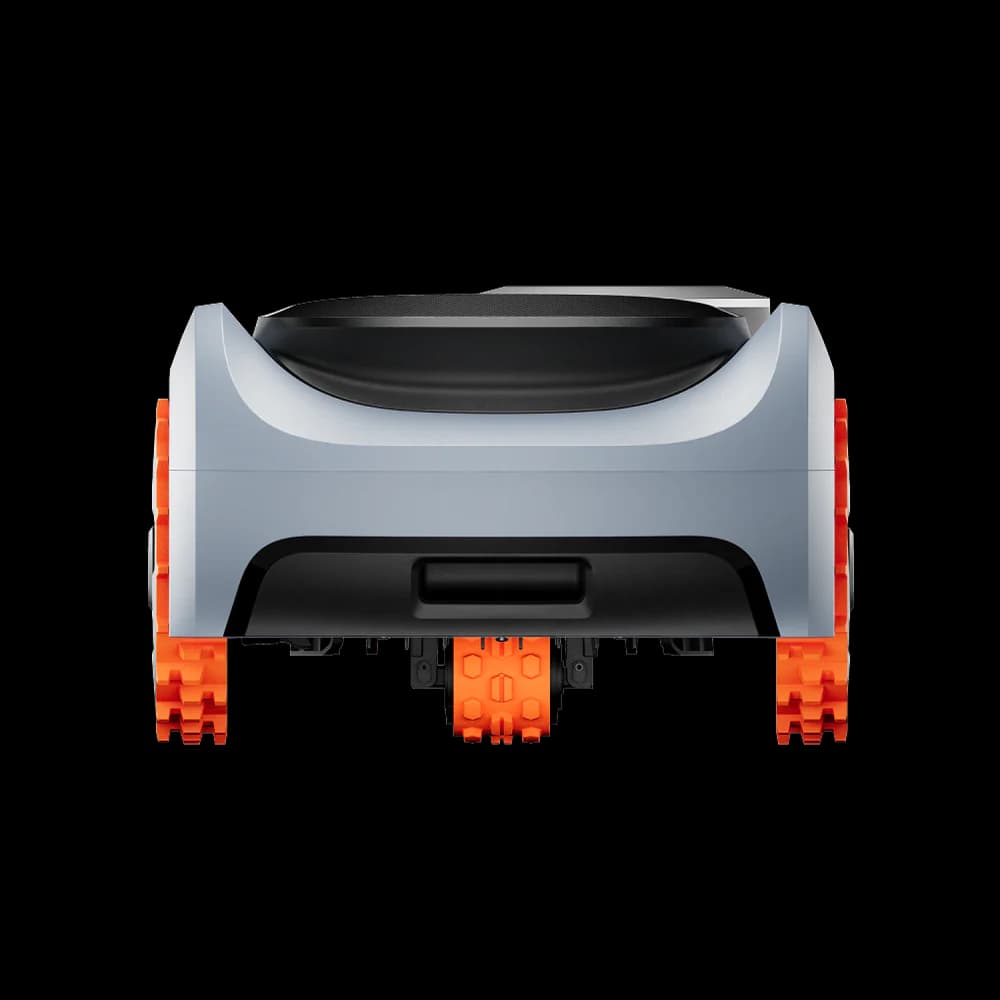
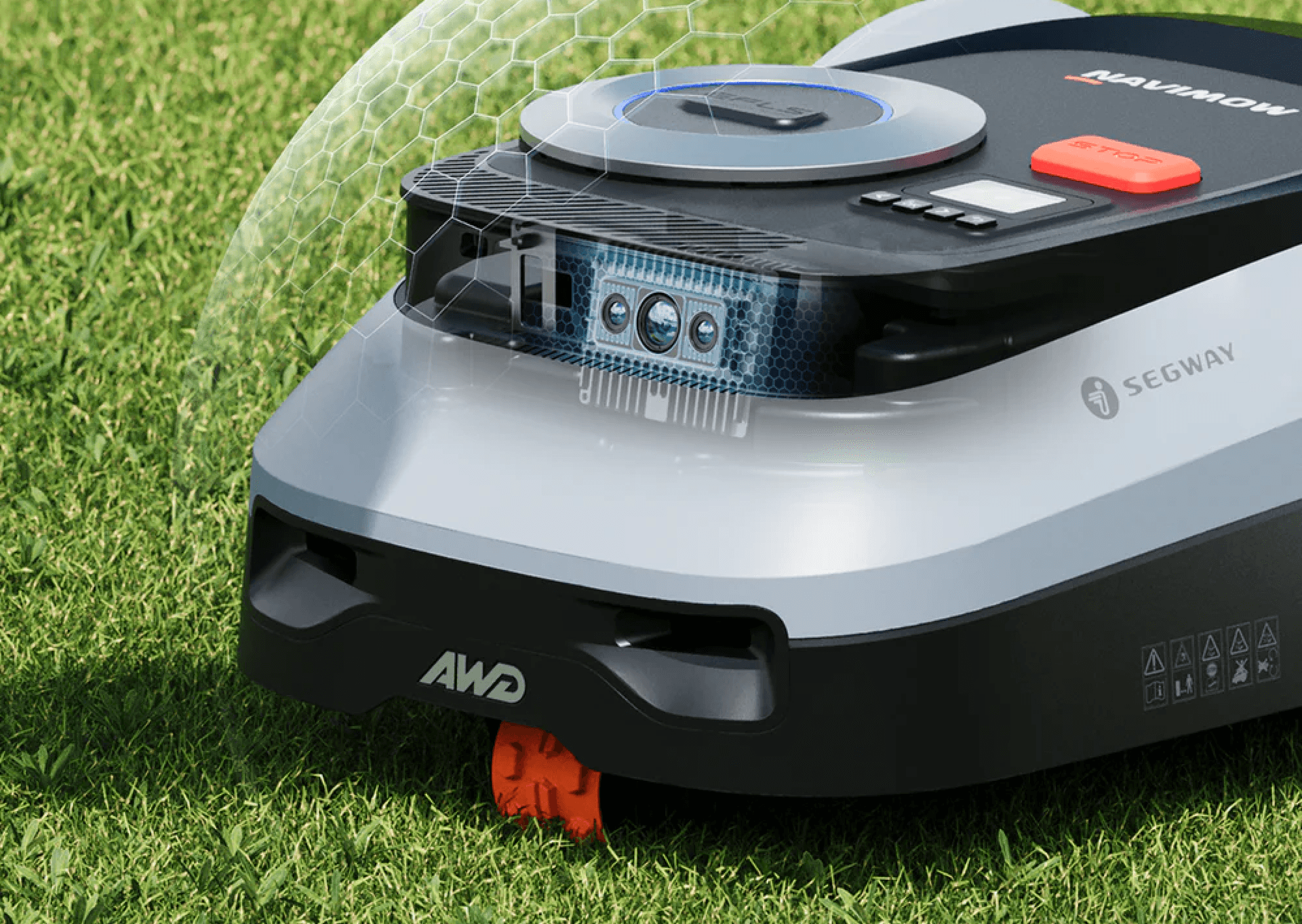
Unlike mechanical LiDAR with fragile rotating parts and external assemblies prone to scratching, solid-state LiDAR has no moving parts. Designed for embedding into systems, it offers a robust, and long-lasting solution.
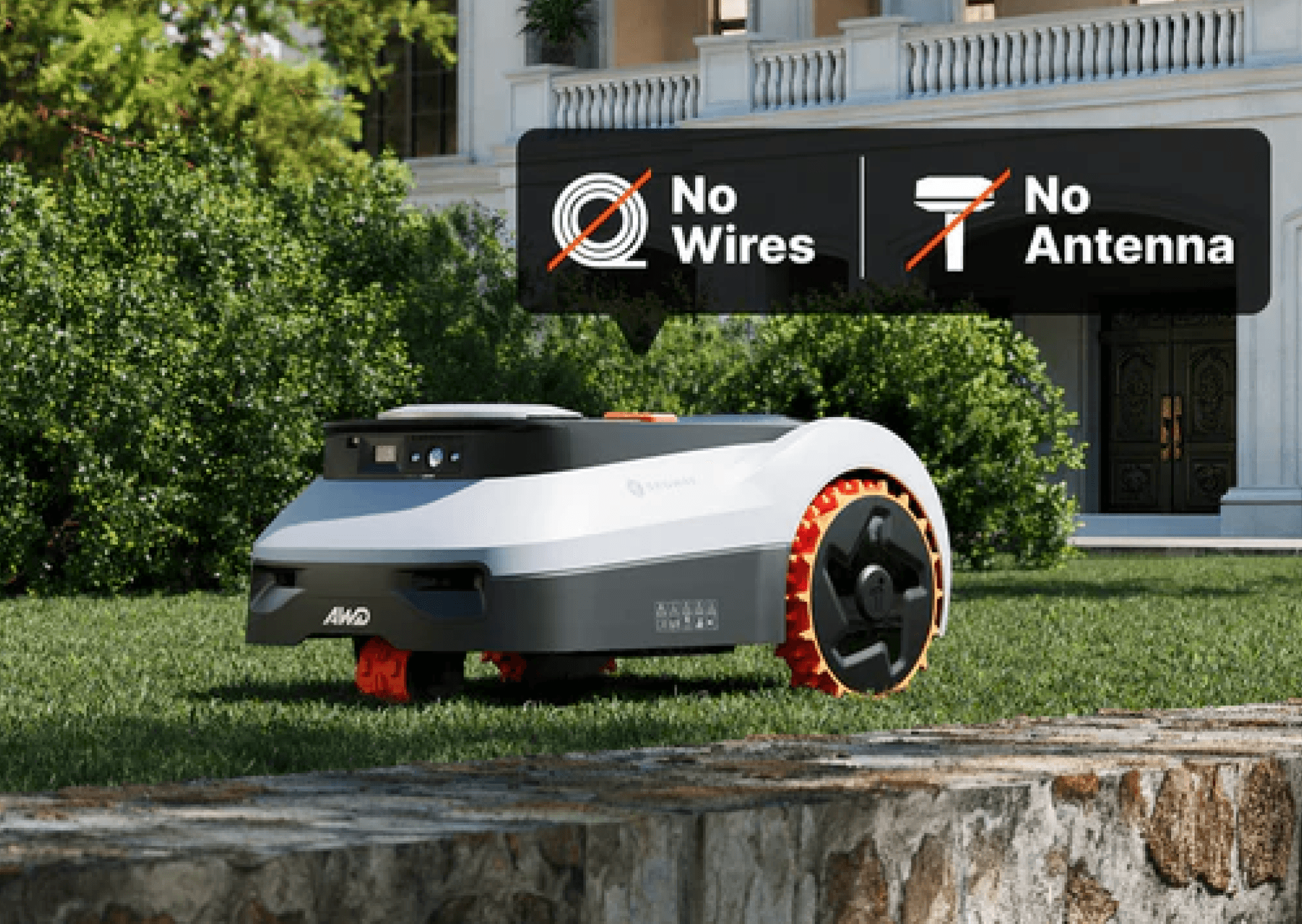
Unbox, drop, and mow—all automatic. With real-time mapping that transforms your yard into a vivid map that you can customise on your app with GeoSketch™.
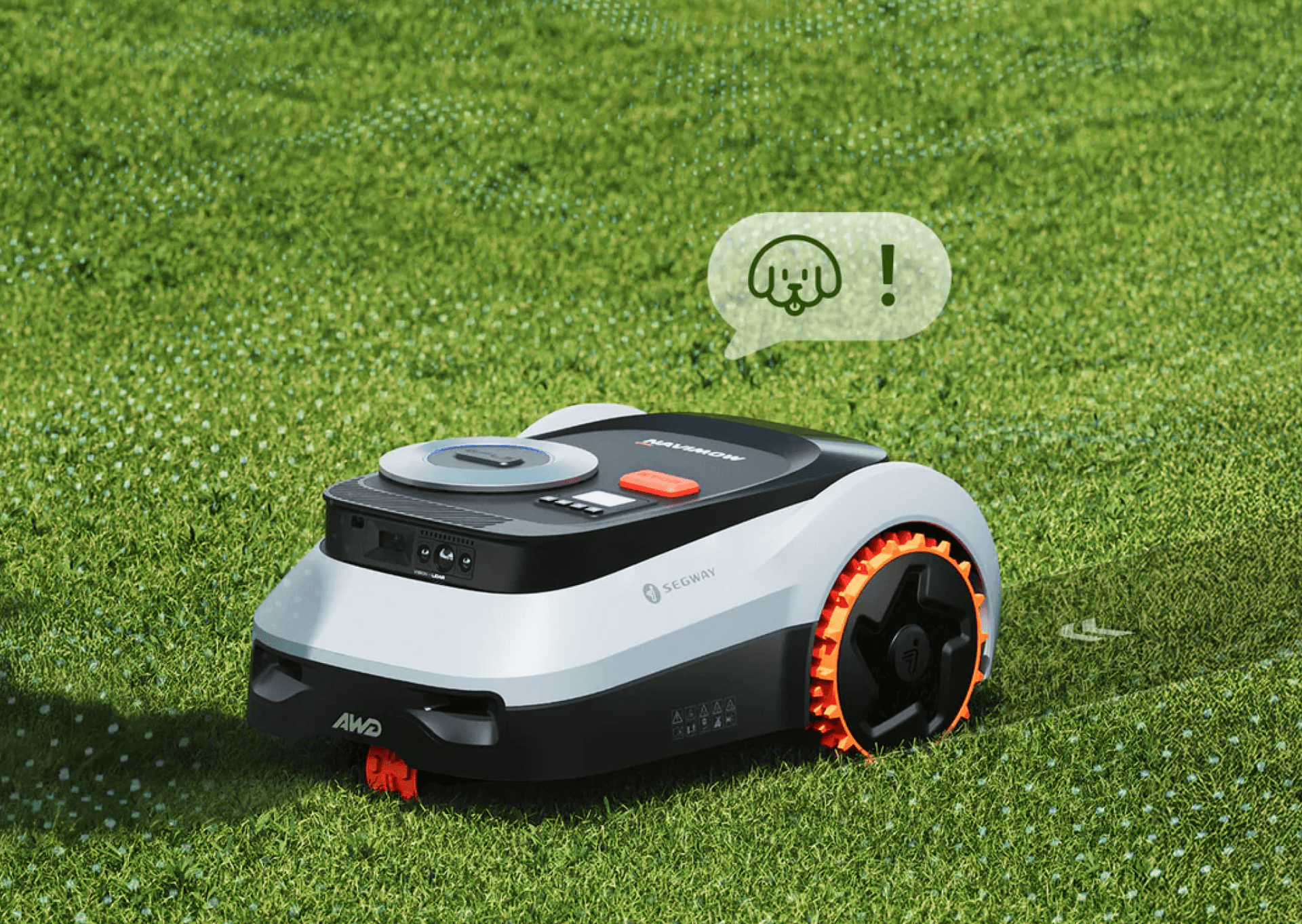
LiDAR + Vision, Advanced Perception. 200+ Obstacles Avoided.
1 cm Precision Detection – From chair legs to children’s toys, i2 LiDAR detects small objects with remarkable accuracy for seamless navigation.
Suspended Object Awareness – 3D LiDAR perception recognises overhead risks (swings, trampolines, even car undercarriages) and only passes when clearance is safely confirmed.
Animal-Friendly – Detects over 20 animal types from a distance of 1 meter or more, slows automatically, and maintains a cautious buffer throughout operation.
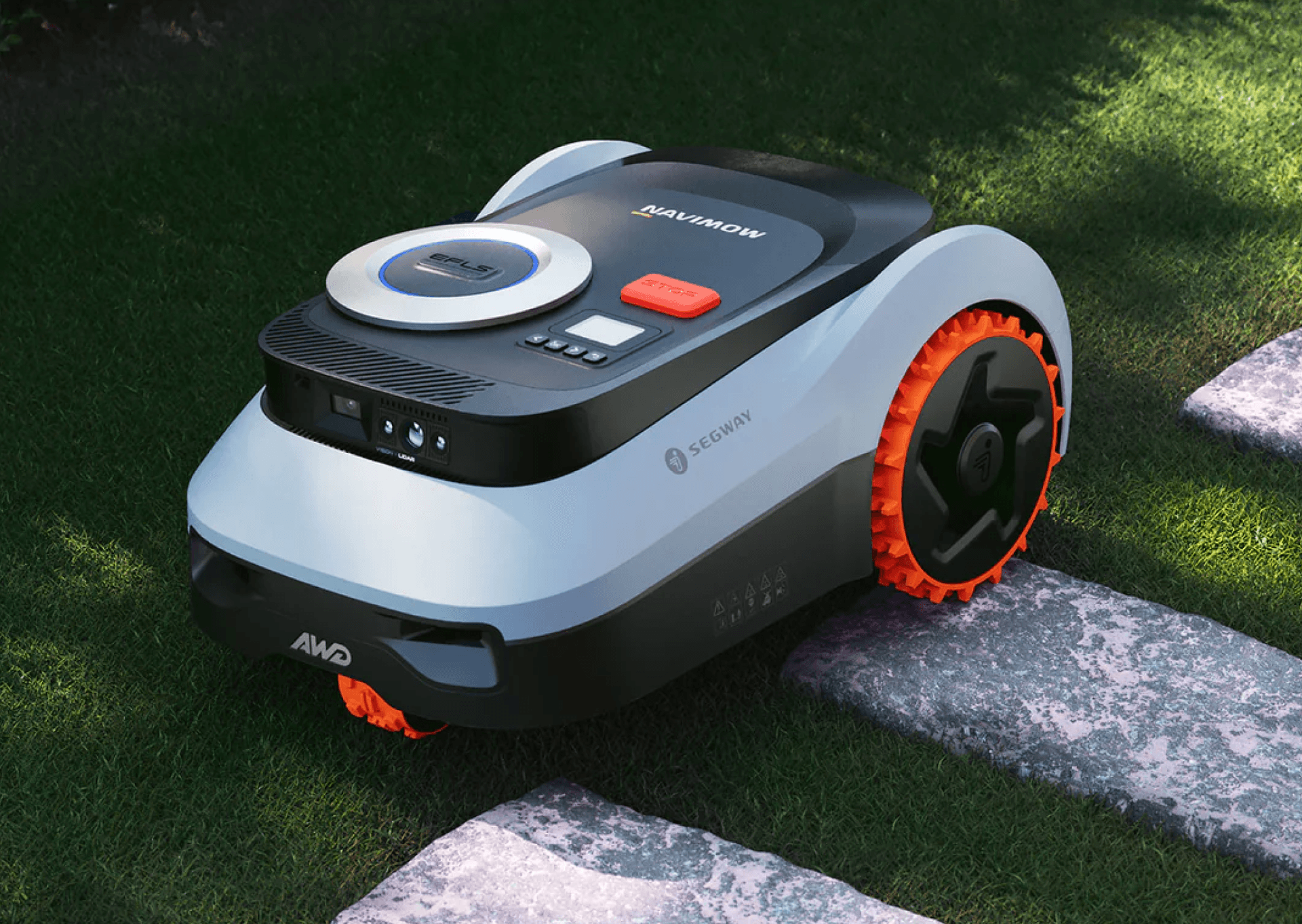
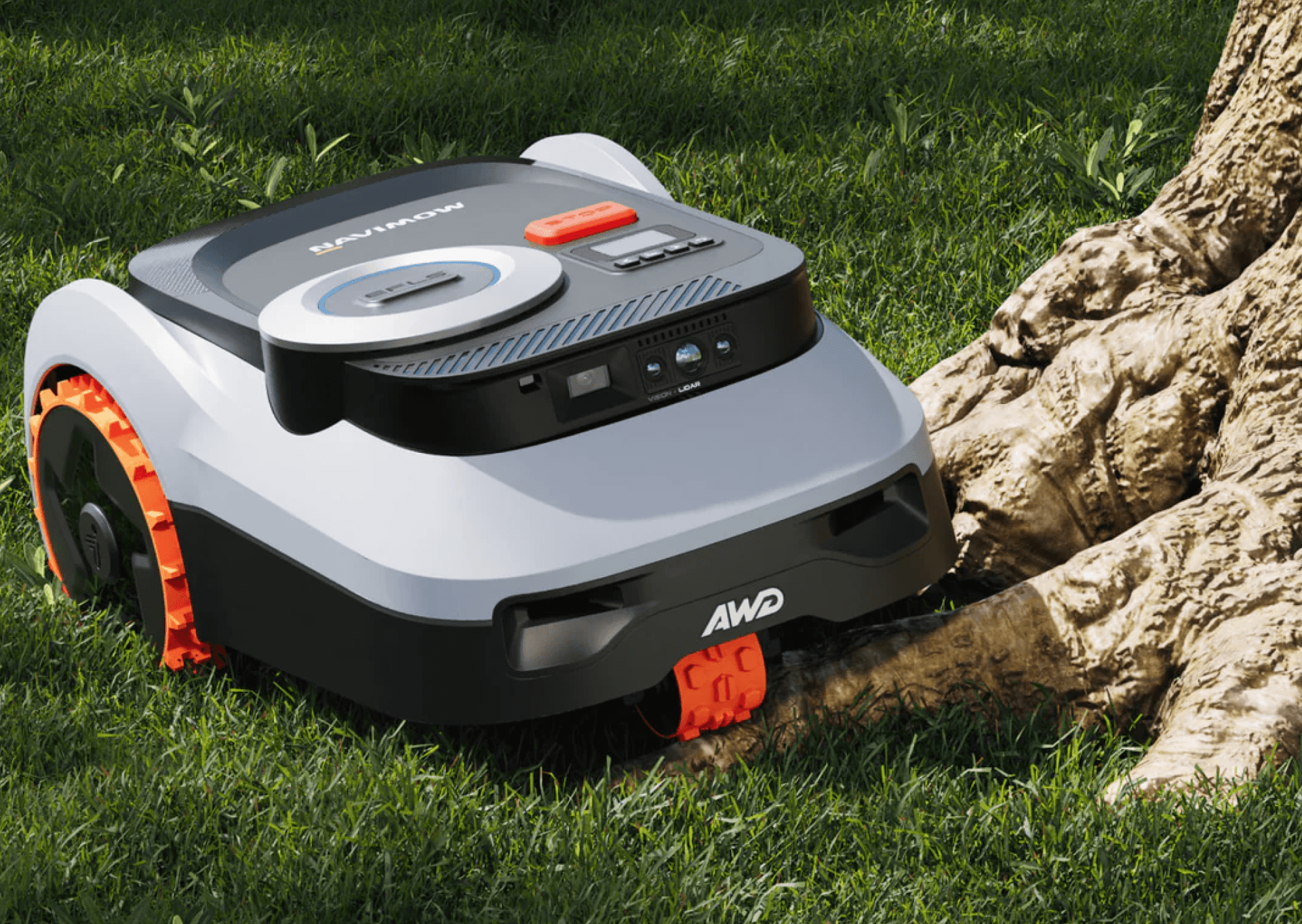
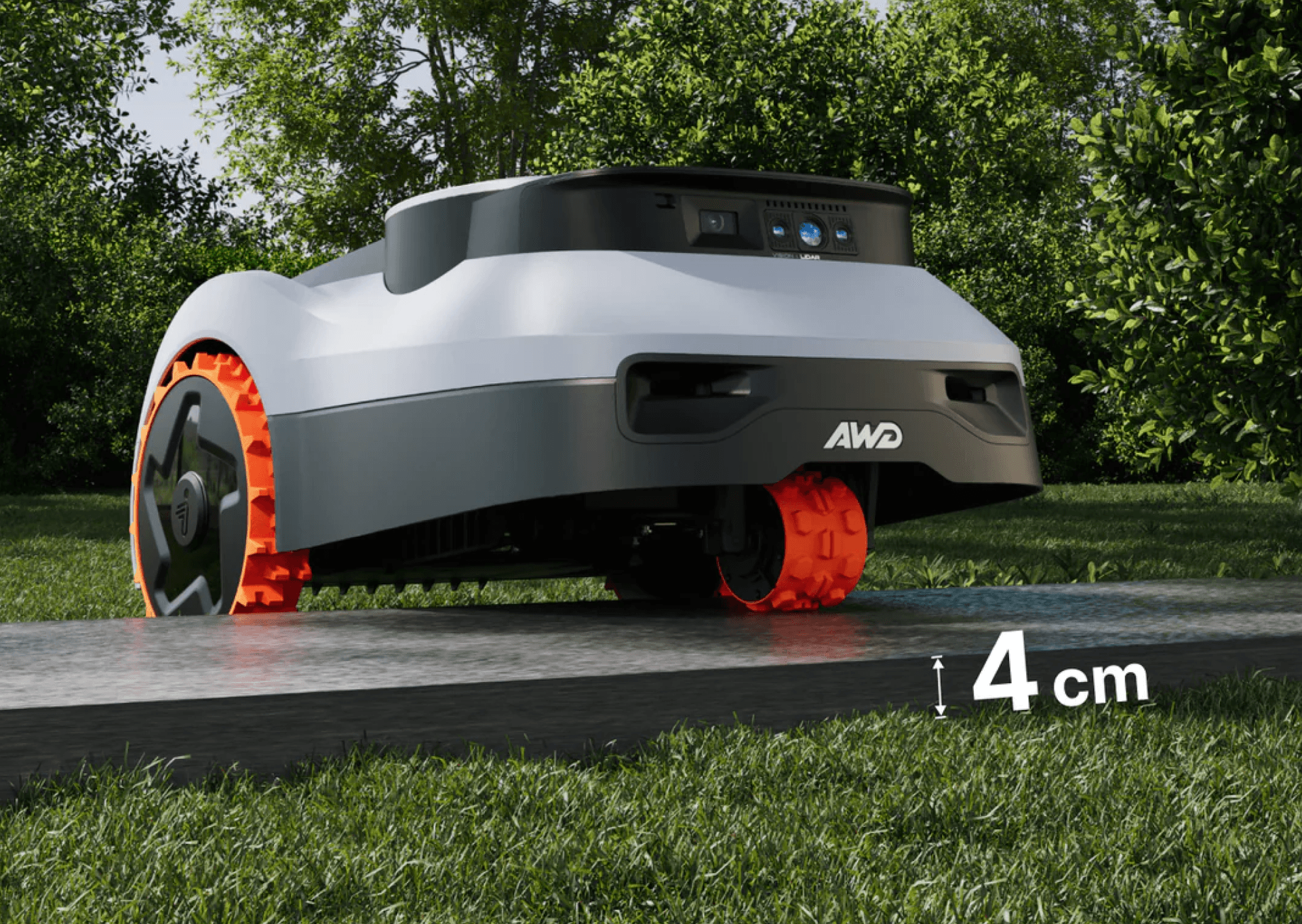
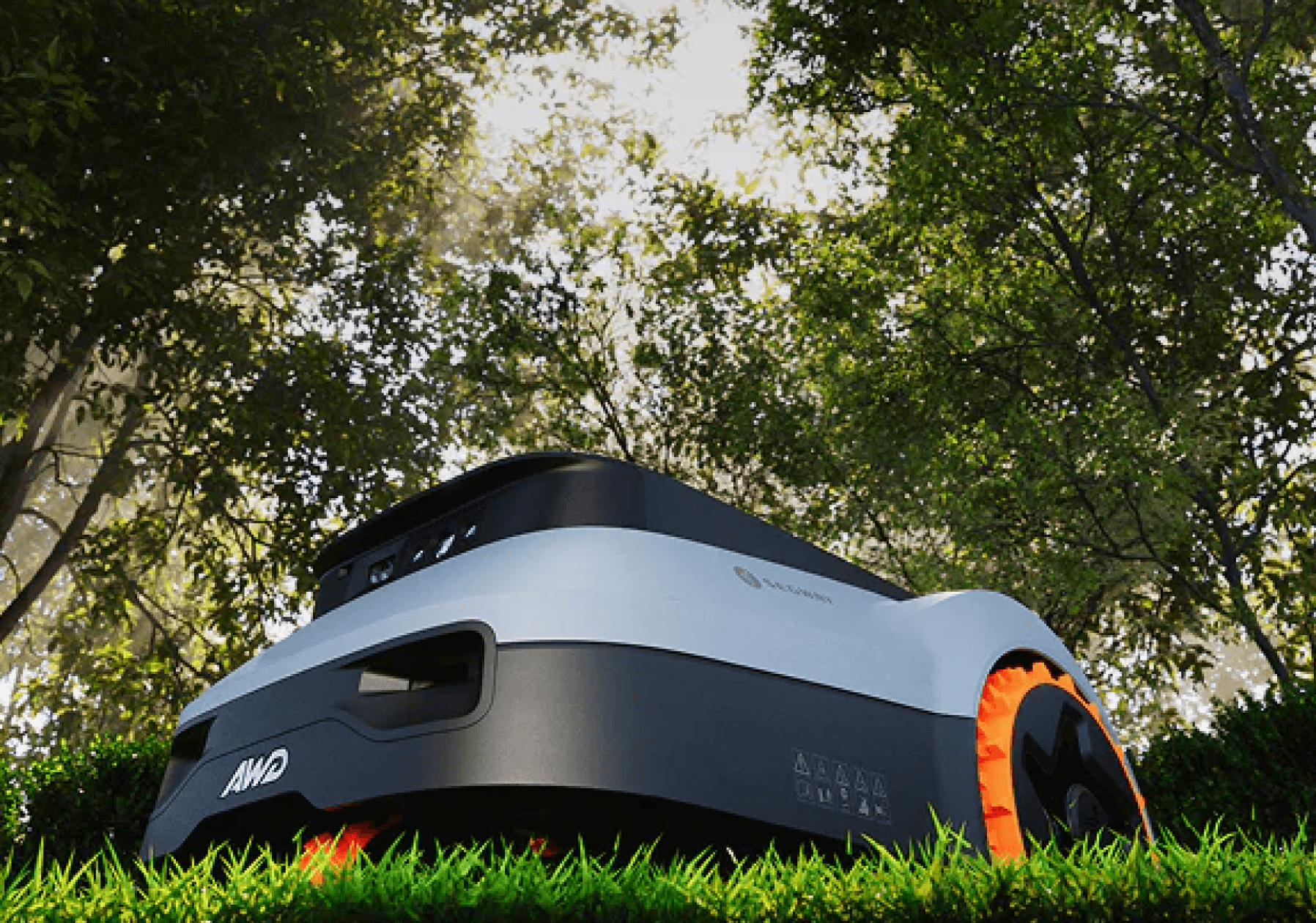
Mows flawlessly from open terrain and under trees, through narrow 70 cm passages, even at night — with unwavering accuracy.
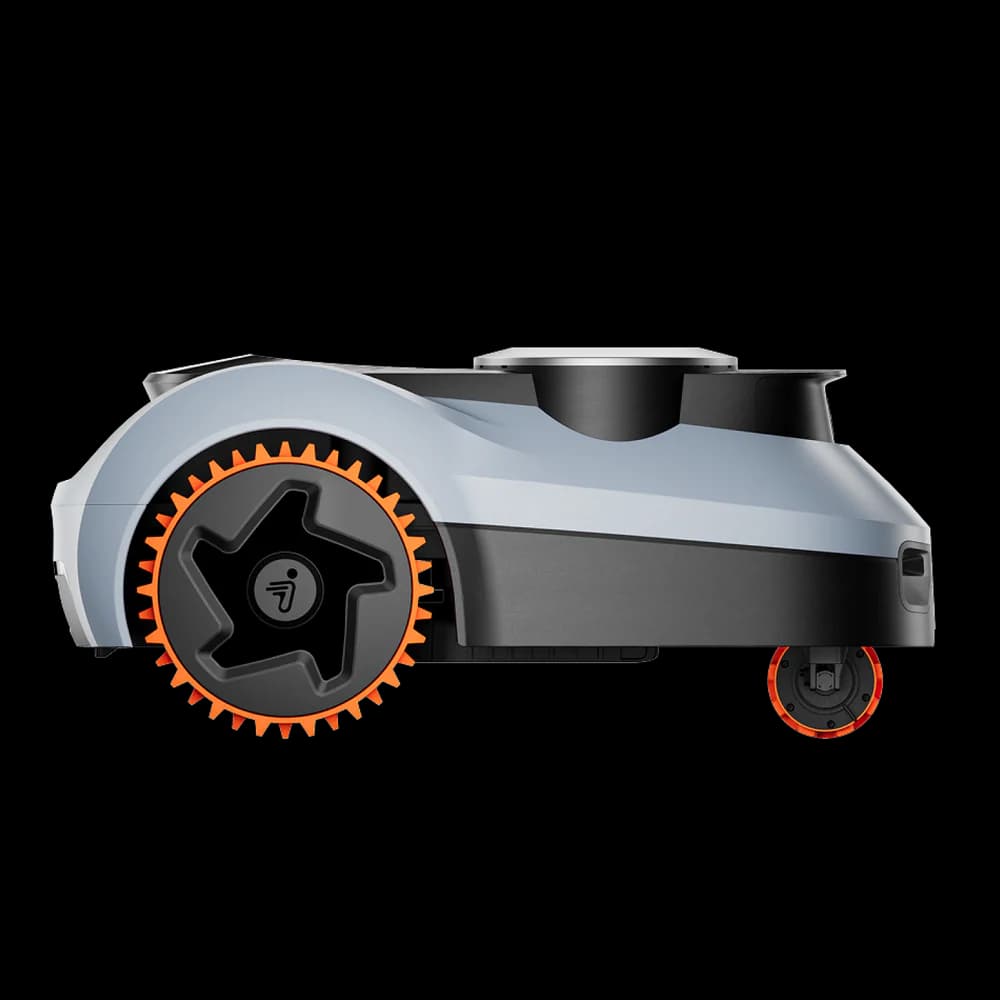
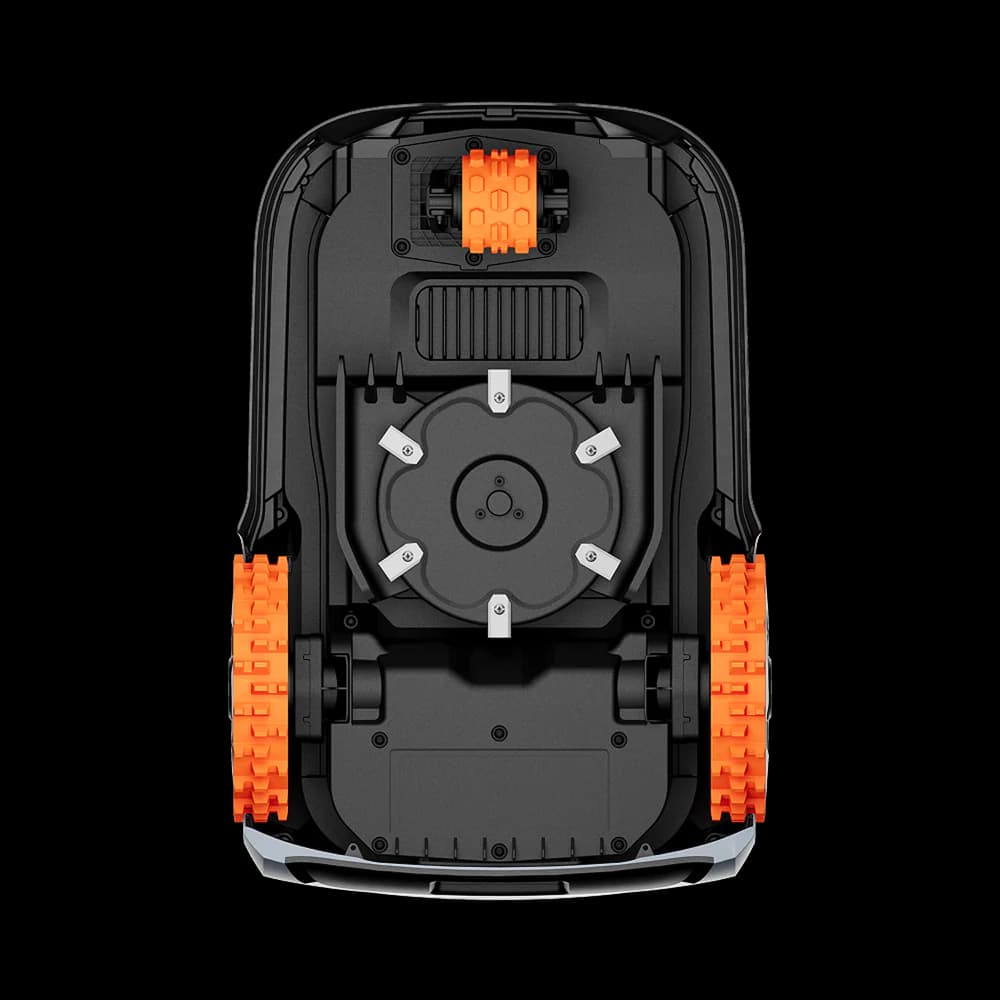
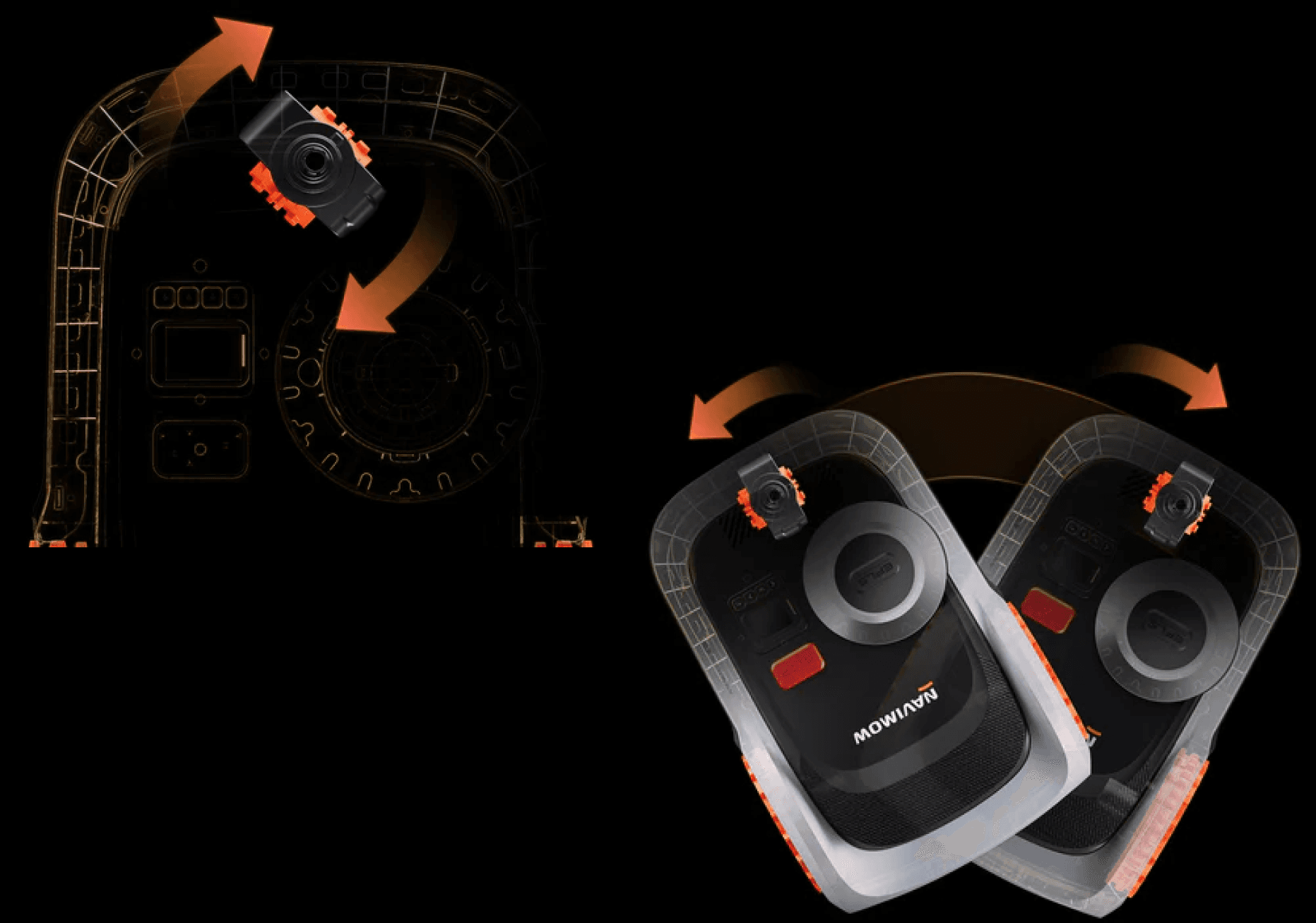
• Third-wheel concentric pivot rotates cleanly with minimal turf disturbance
• TCS (Traction Control System) prevents scuffing on wet or slippery surfaces
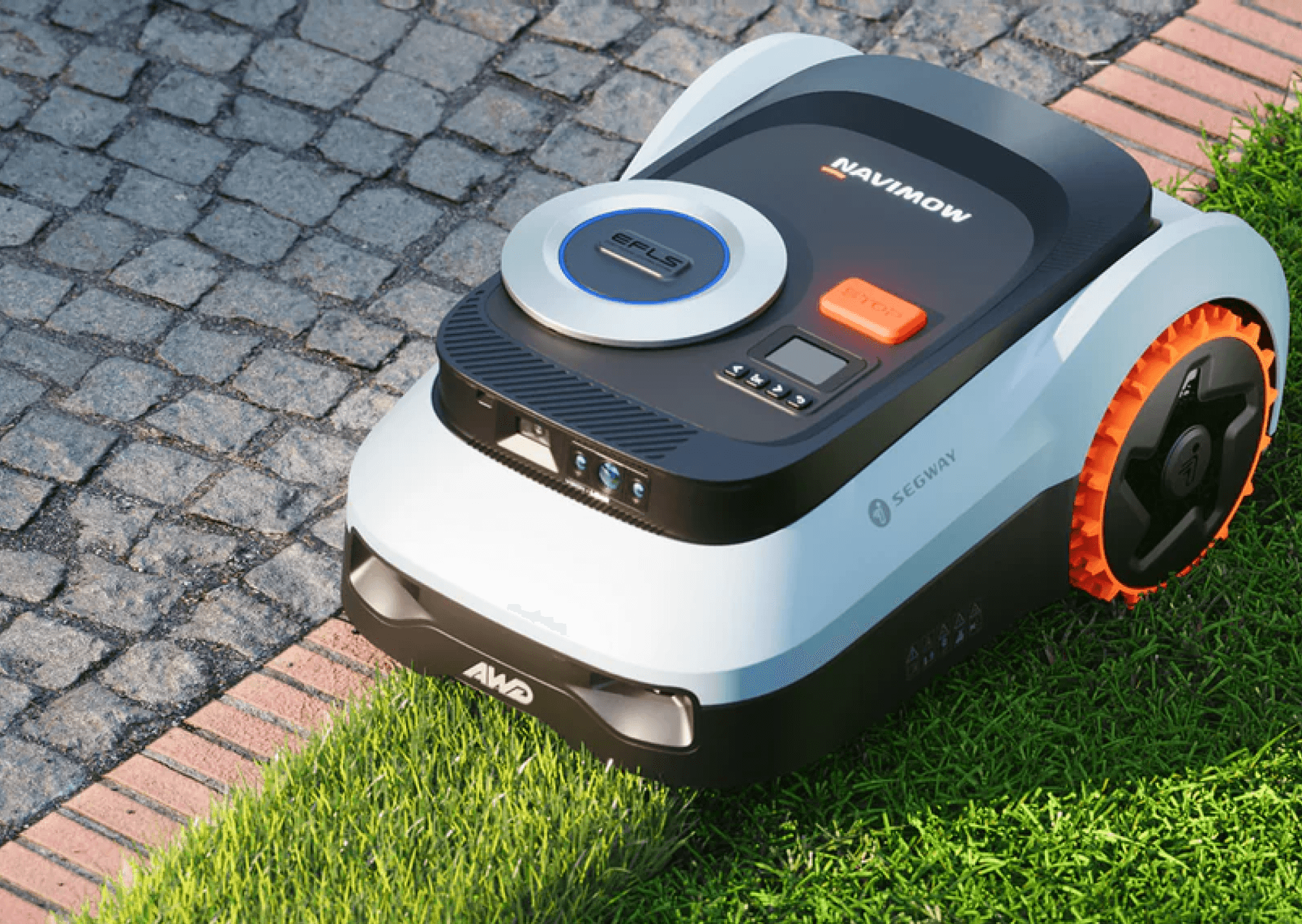
EdgeSense™ – Flawless Edge Performance
Up to 20 zones with adjustable cutting height, frequency, and schedules
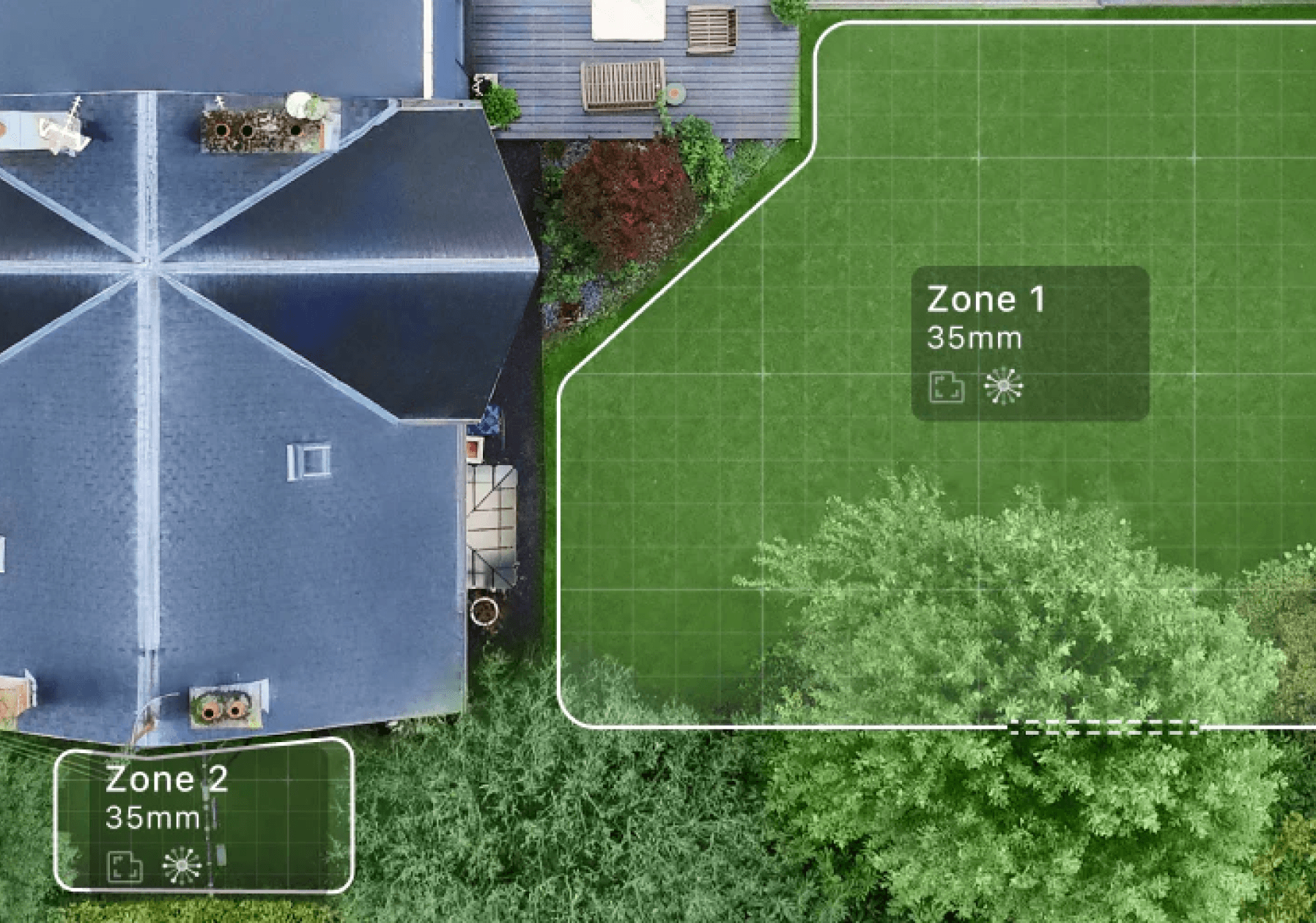
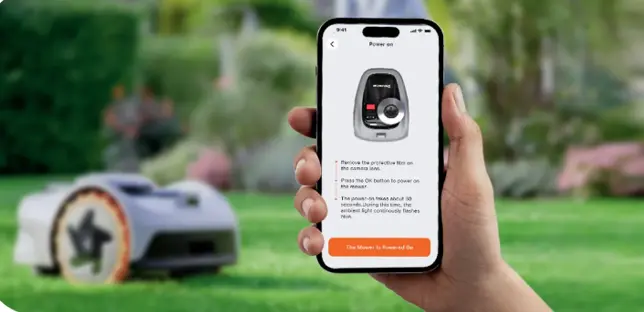
Download the Navimow app for easy robot activation (support Bluetooth, Wi-Fi and optional 4G), user guidance and remote control. Manage and control your Navimow at your fingertips.


The i2 LiDAR Pro uses both LiDAR and Network RTK technologies for navigation. Its primary navigation method is LiDAR, while Network RTK serves as a secondary, supportive system.
LiDAR continuously scans the environment, measuring precise distances to grass, walls, trees, and other reference objects to determine the mower’s location.
This allows the i2 LiDAR Pro to operate normally even without Network RTK, although integrating Network RTK improves overall positioning accuracy.
Yes, you can bind multiple Navimow i2 LiDAR Pro to a single app account. To add another Navimow i2 LiDAR Pro to your account, follow these steps:
a. Open the Navimow app.
b. Navigate to “Settings.”
c. Select “Device management”
d. Choose the option to “Switch/Add device.”
From there, you can add another Navimow i2 LiDAR Pro to your account, allowing you to manage and control multiple Navimow i2 LiDAR Pro using a single app account. This can be convenient if you have more than one Navimow i2 LiDAR Pro for different areas of your lawn or property.
Yes, the Navimow i2 LiDAR Pro has a feature called “Channel Obstacle Avoidance”. You can enable it in the app under Home > Settings > VisionFence.
When Channel Sense is activated, the Navimow i2 LiDAR Pro can “see” the surroundings within the channel and intelligently navigate by avoiding obstacles or objects that differ from the ground. It will automatically steer within 2 meters on either side of the channel. Even if the GPS signal is weak in the area, the Navimow i2 LiDAR Pro can still pass through using visual detection, ensuring smooth operation.
Auto Mapping uses both LiDAR and cameras to automatically create a precise boundary map for your lawn. This feature allows the mower to explore and detect the outer edges without manual remote control, making setup faster and more convenient.
To begin, tap “Create Map” on the home page, then follow the on-screen instructions in the app to guide the mower into the lawn area and mark it step by step. Once all the zones have been marked, the mower will then begin identifying the outer boundary and gradually generating the map. As it moves along the perimeter, you will see the map expand in real time until it eventually forms a closed loop.
Thanks to the fusion of LiDAR, vision-based boundary recognition, and NRTK technologies, the mower does not need to follow the exact lawn edge during mapping — yet the resulting boundary is as accurate as manual mapping.
During mapping, the mower travels approximately 30–50 cm inside the boundary line. However, when mowing, it will cut right along the boundary edge.
Once Auto Mapping is complete, the mower will automatically return to the charging station. You can then start mowing immediately.
Auto Mapping Usage Notes:
1. The mower can automatically map only the lawn areas it can drive to by itself from the charging station. If a lawn section is isolated—such as a separate backyard area or a lawn on a higher level—it cannot be mapped automatically. These sections must be created as Isolated Zones, and after Auto Mapping is complete, the mower needs to be manually carried to these areas and go to Home > Settings > Map Management > Add More > Boundary to create the map manually with the mower.
2. The lawn has closed boundaries, such as fences or clearly defined edges.
3. The lawn edges are clearly visible and well-defined.
4. There are no drop hazards (e.g., cliffs, steep slopes) near the edges.
5. There are no sharp slopes along the edges.
6. Auto Mapping is only supported during daytime and performs best under daylight conditions. For mapping at night or in low-light conditions, please use manual mapping instead.
You can go to App Home > Settings > Parts Maintenance to check for maintenance and replacement suggestions for the blades and other parts.
Typically, the blades should be replaced after 80 hours of use.