Image 0
Thumbnail 0
Thumbnail 1
Thumbnail 2
Thumbnail 3
Thumbnail 4

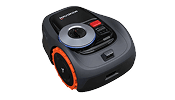
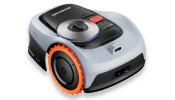
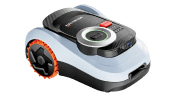
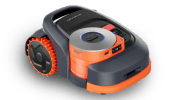
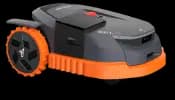
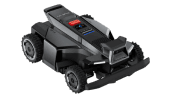
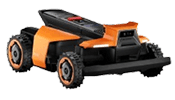
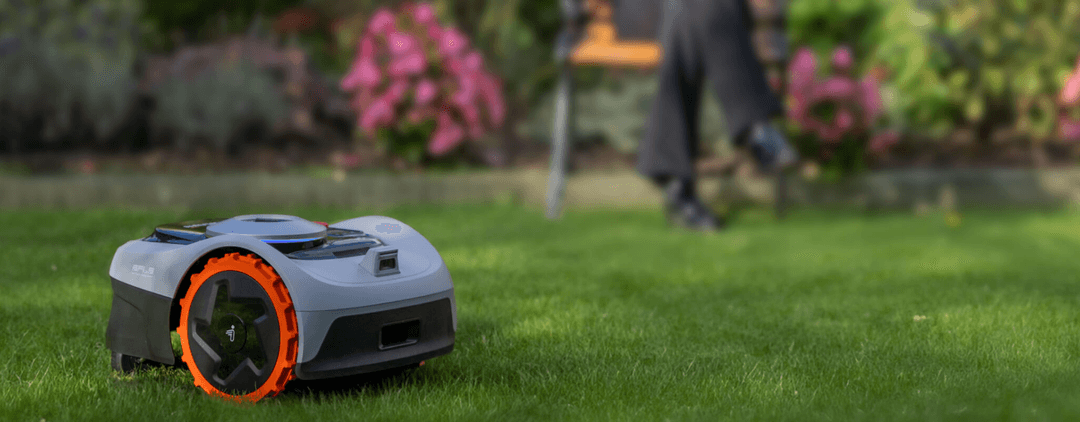
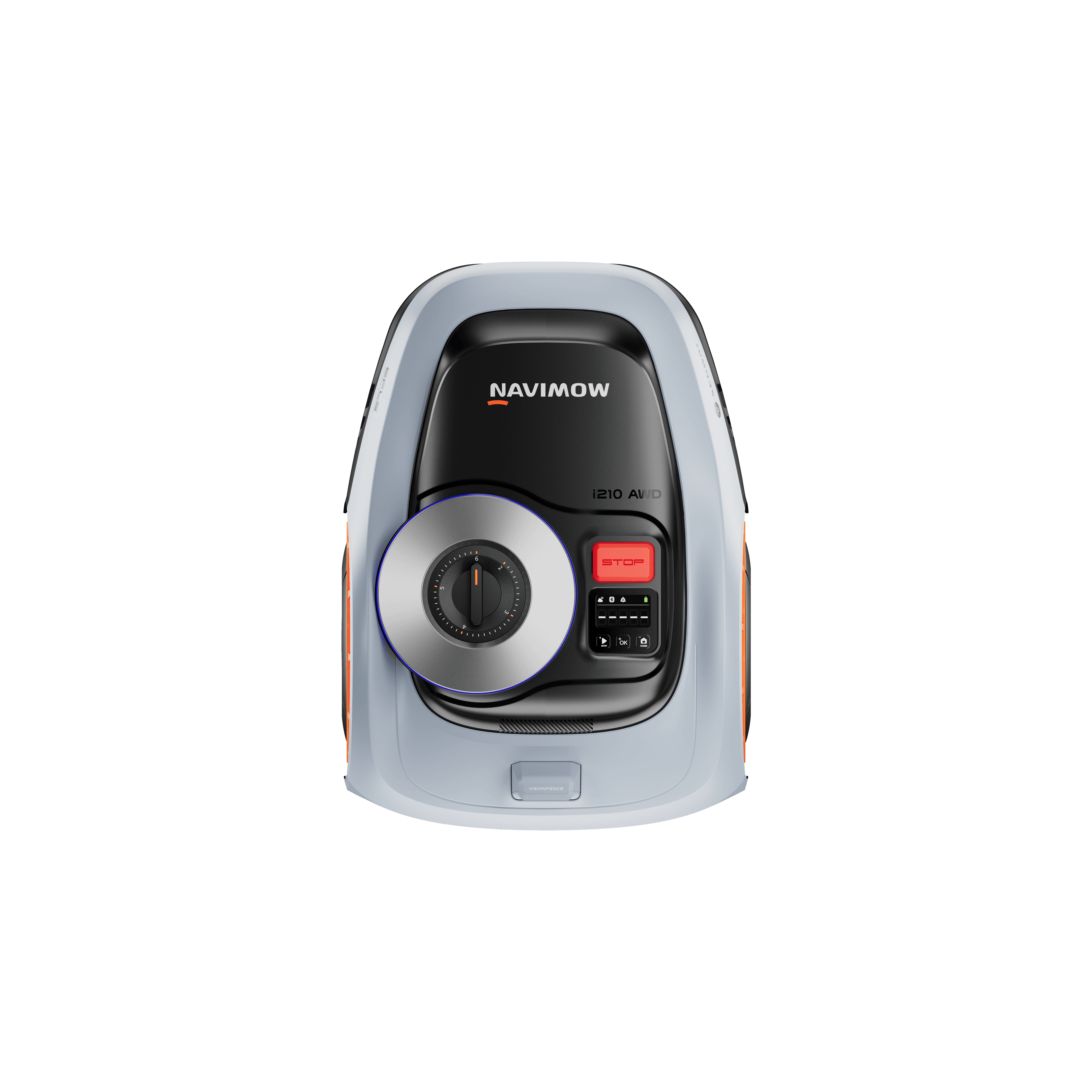
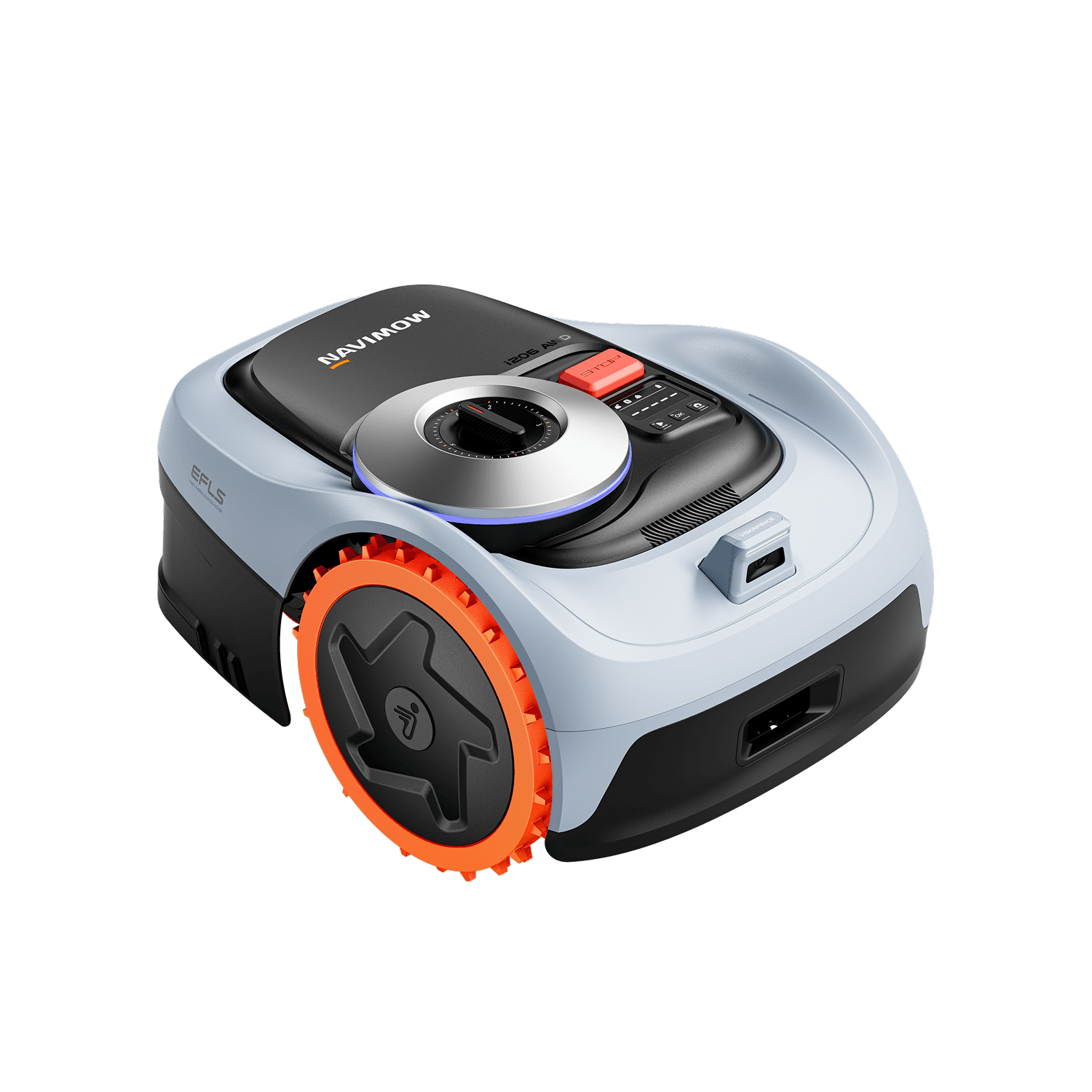
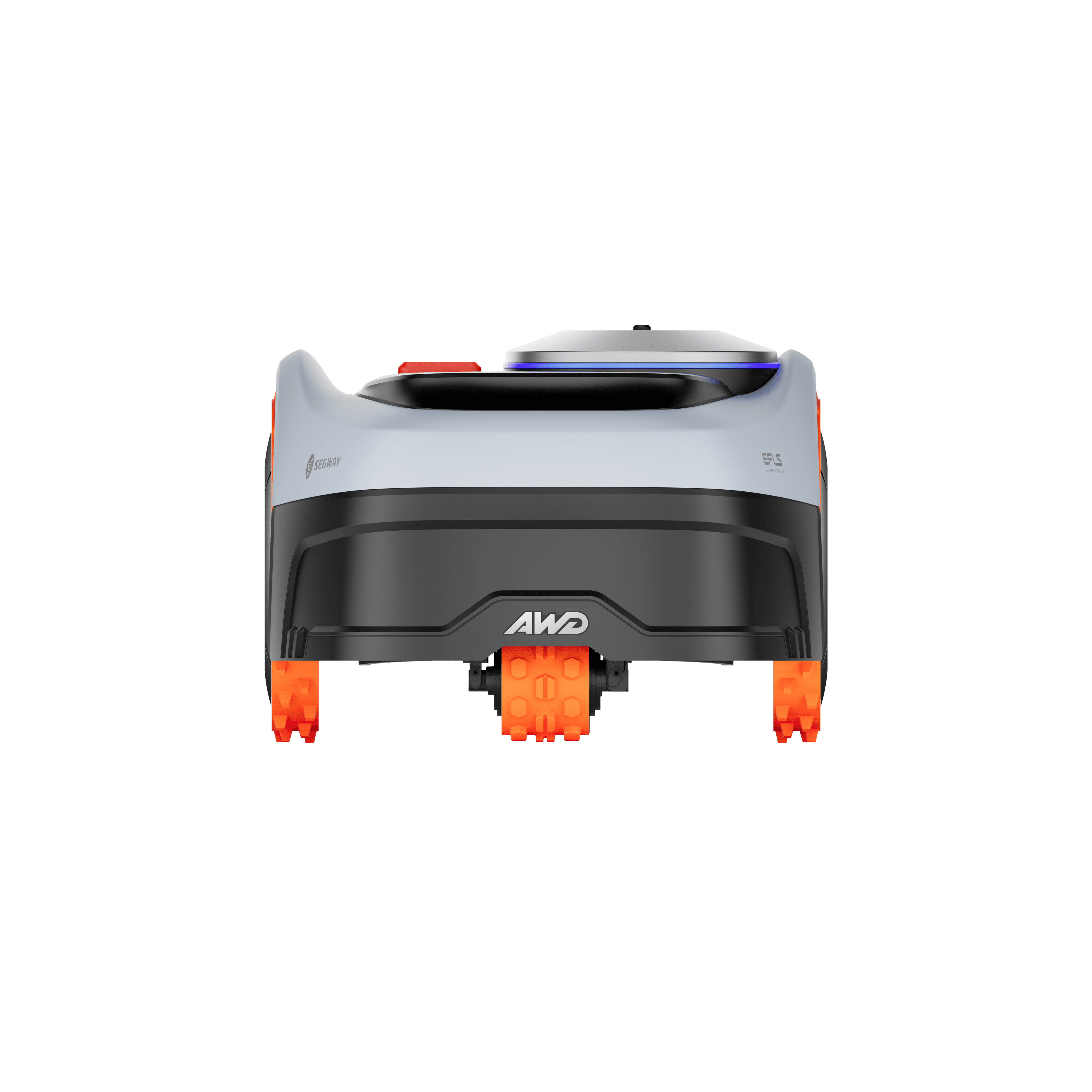
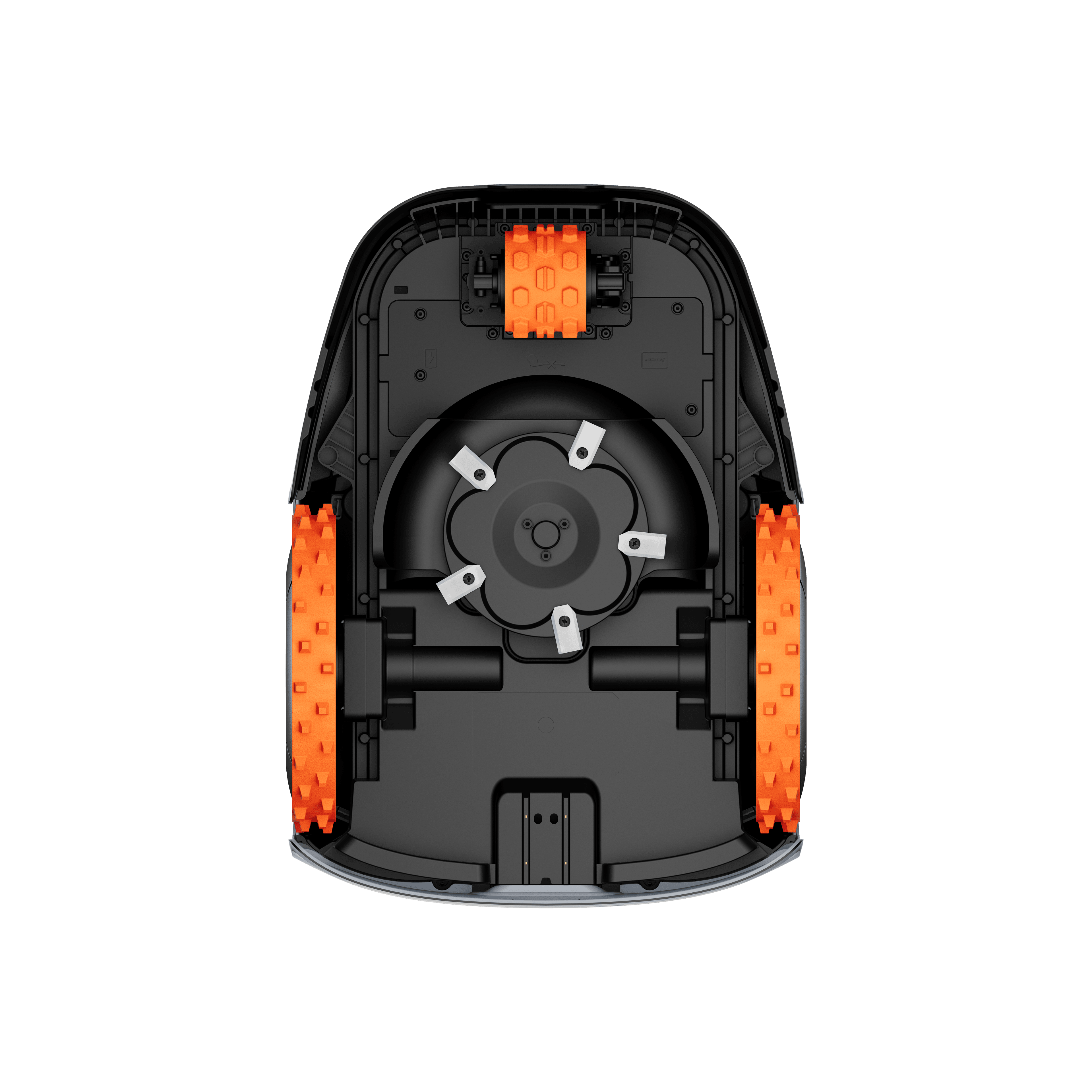
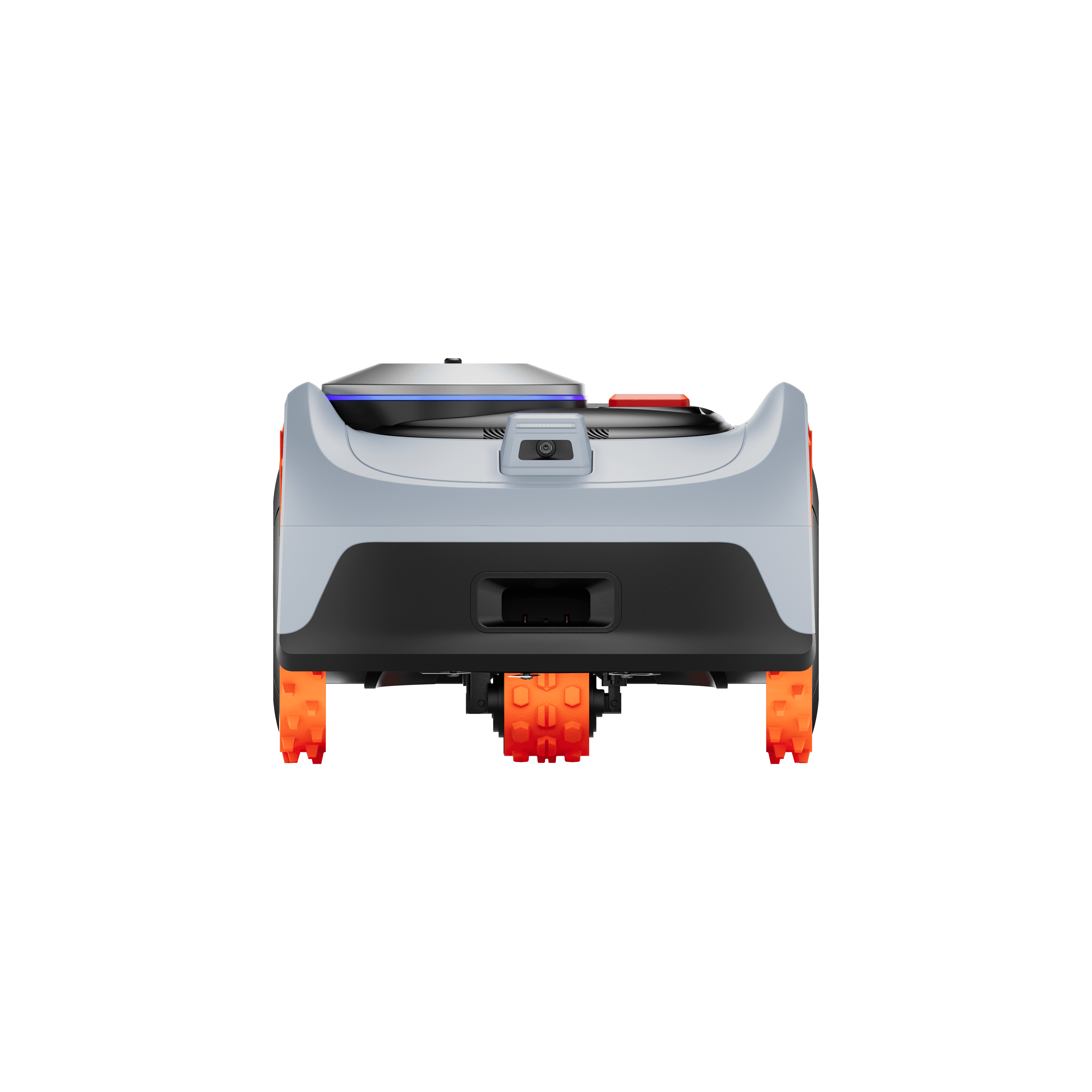
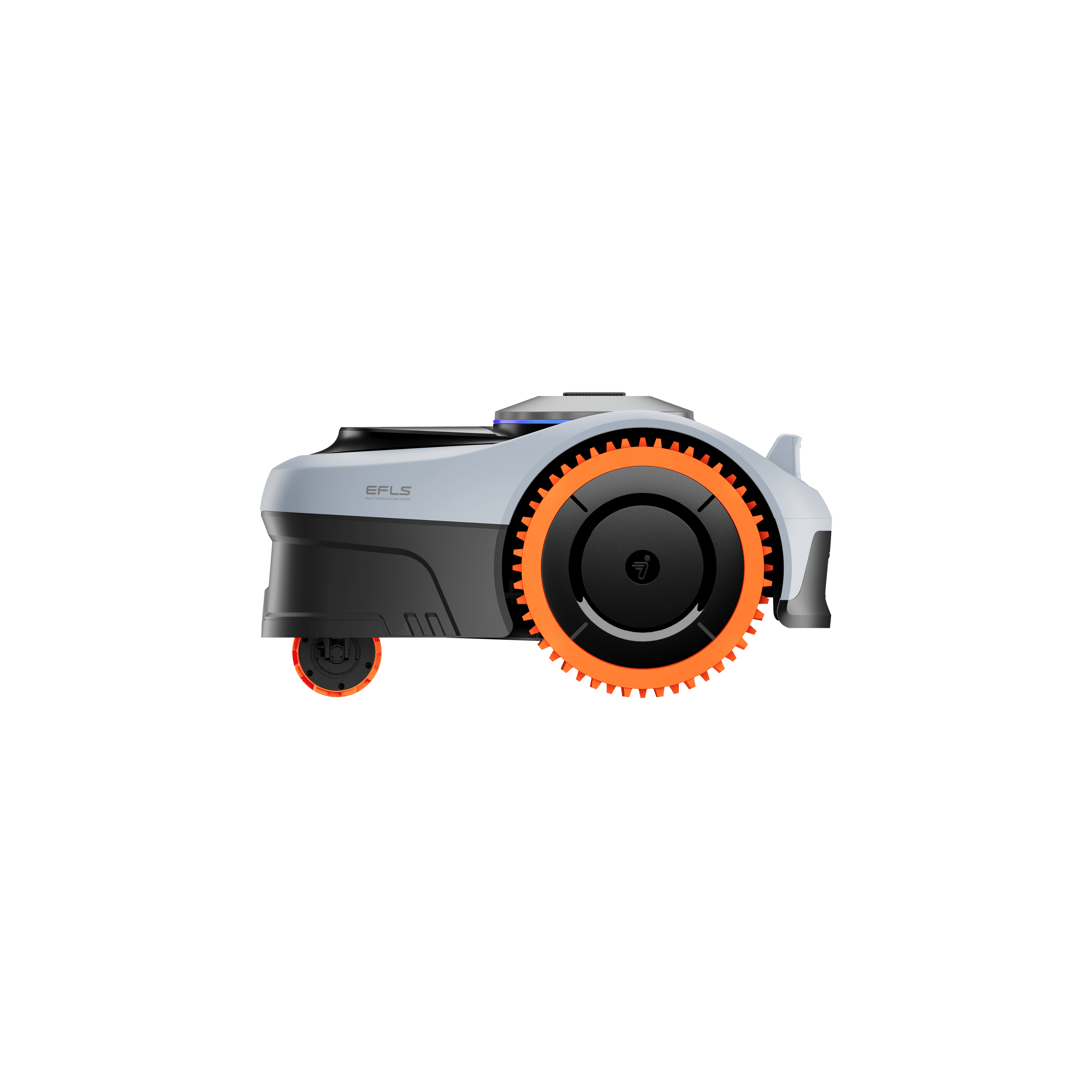
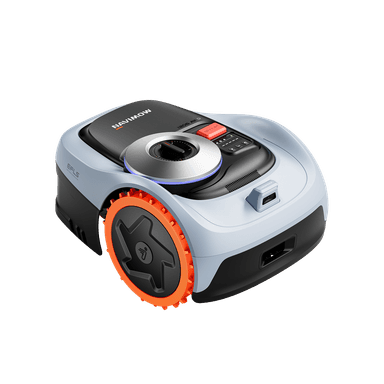
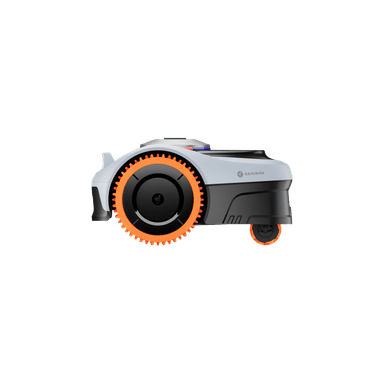
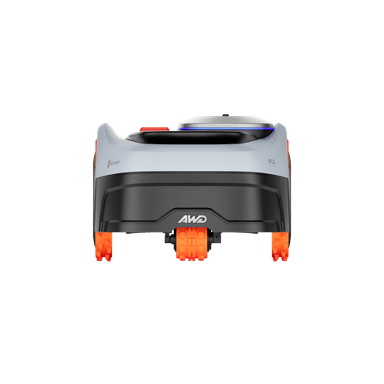
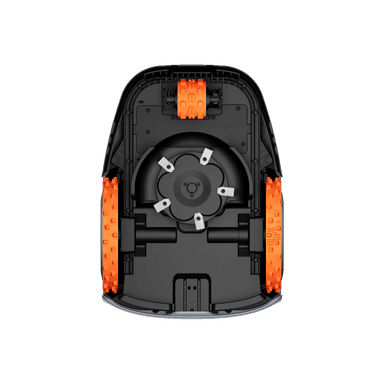
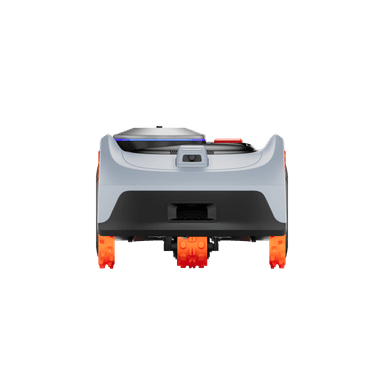
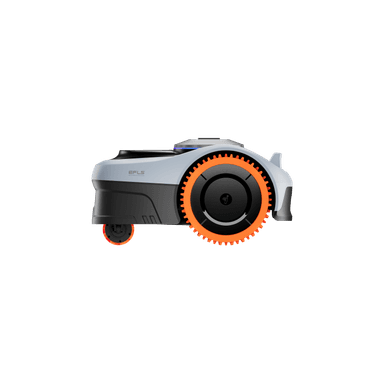
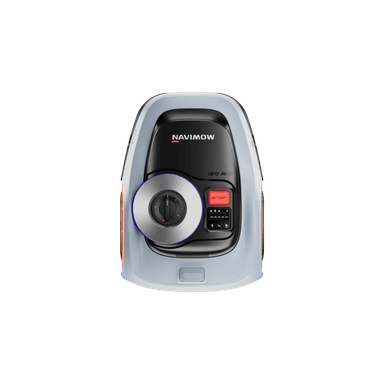
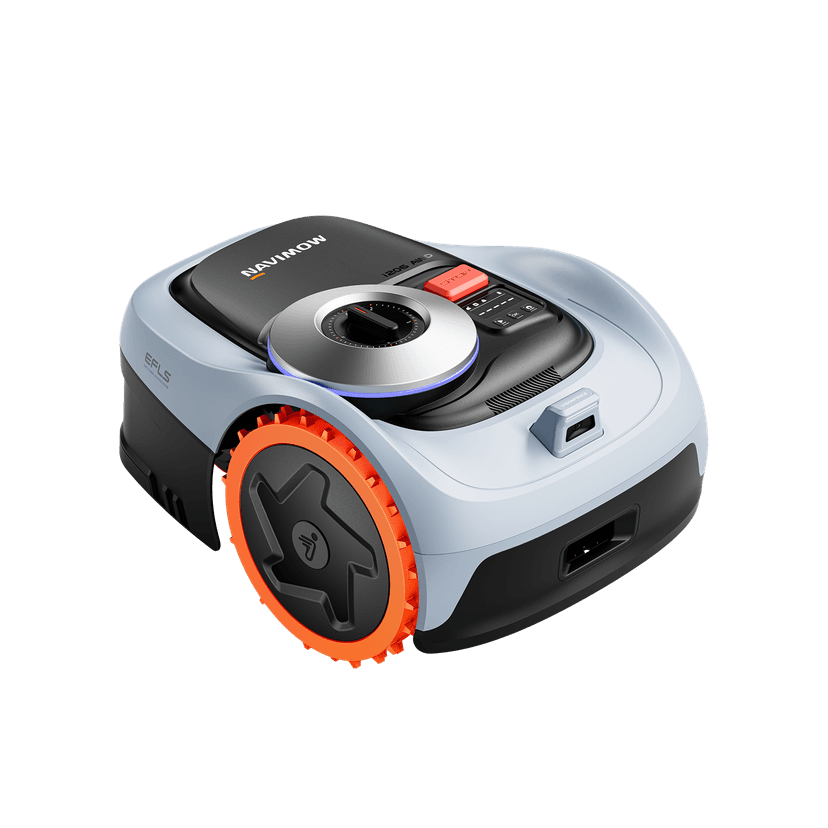
Segway Navimow i2 LIDAR & LIDAR PRO Robotic Mower

Next-Generation 3D Mapping

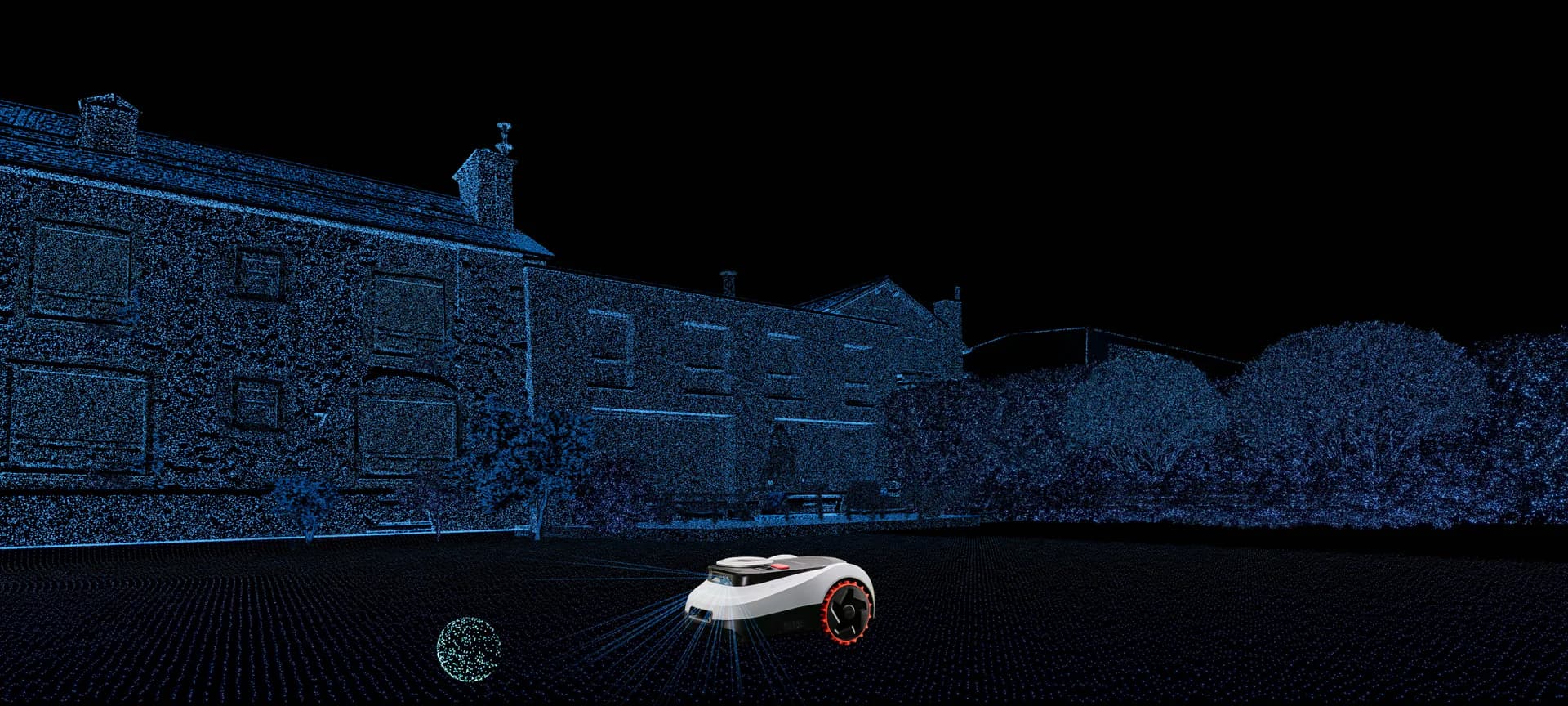
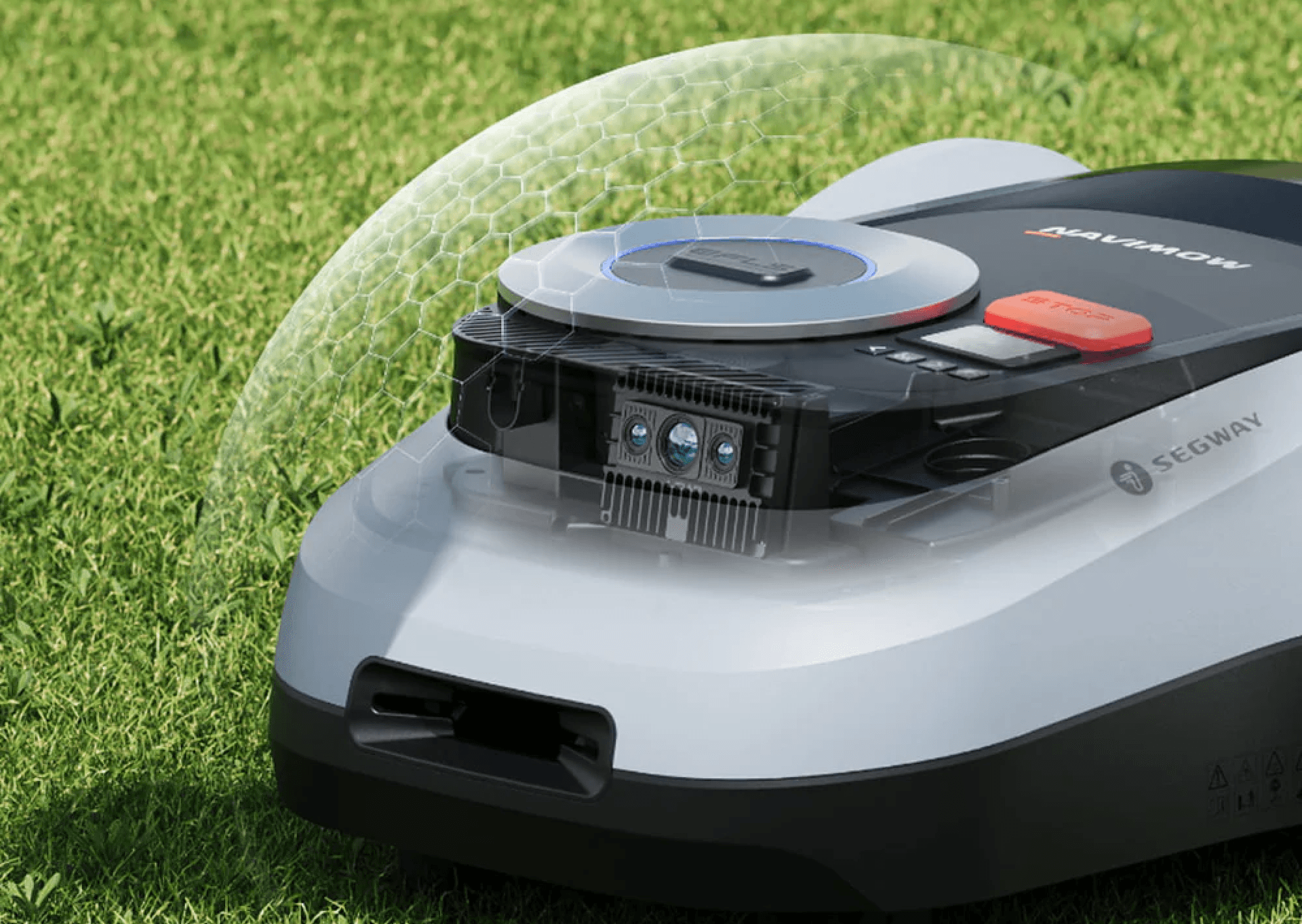
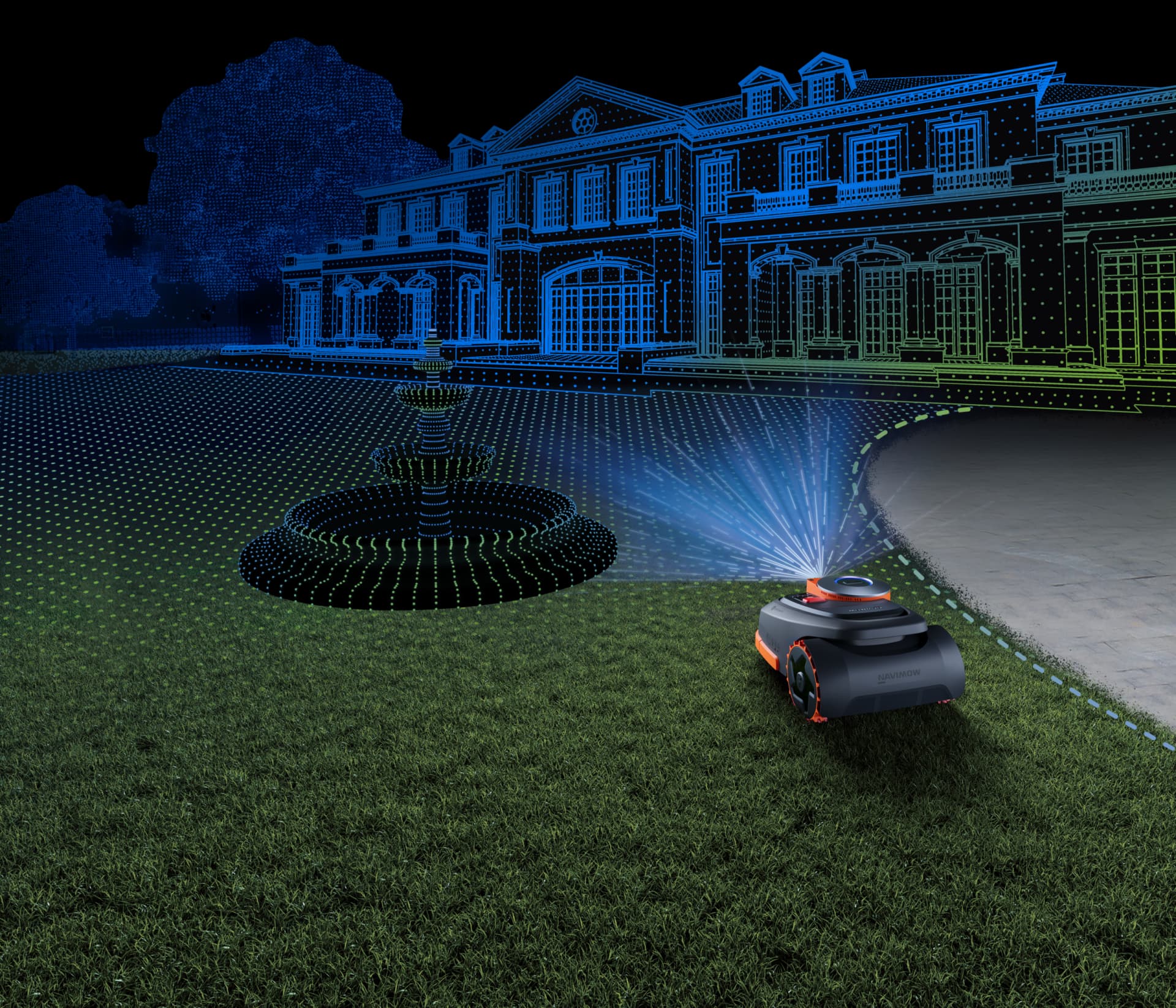
Navimow i2 LiDAR and LIDAR PRO sets a new benchmark for positioning stability. By integrating Segway’s industry-leading EFLS™ LiDAR technology, the mower scans its surroundings at 200,000 points per second. This creates an ultra-dense 3D point cloud map with 4x the resolution of standard industry mowers, ensuring the robot knows its exact location to within millimetres, even in shaded areas or complex landscapes where GPS signals are weak.

  • GeoSketch™ Mapping: Features “Drop and Mow” functionality for fully automatic mapping and intuitive customisation via the app.
  • High Precision: A 70M detection range and 50ms scanning interval ensure exceptionally stable navigation day and night.
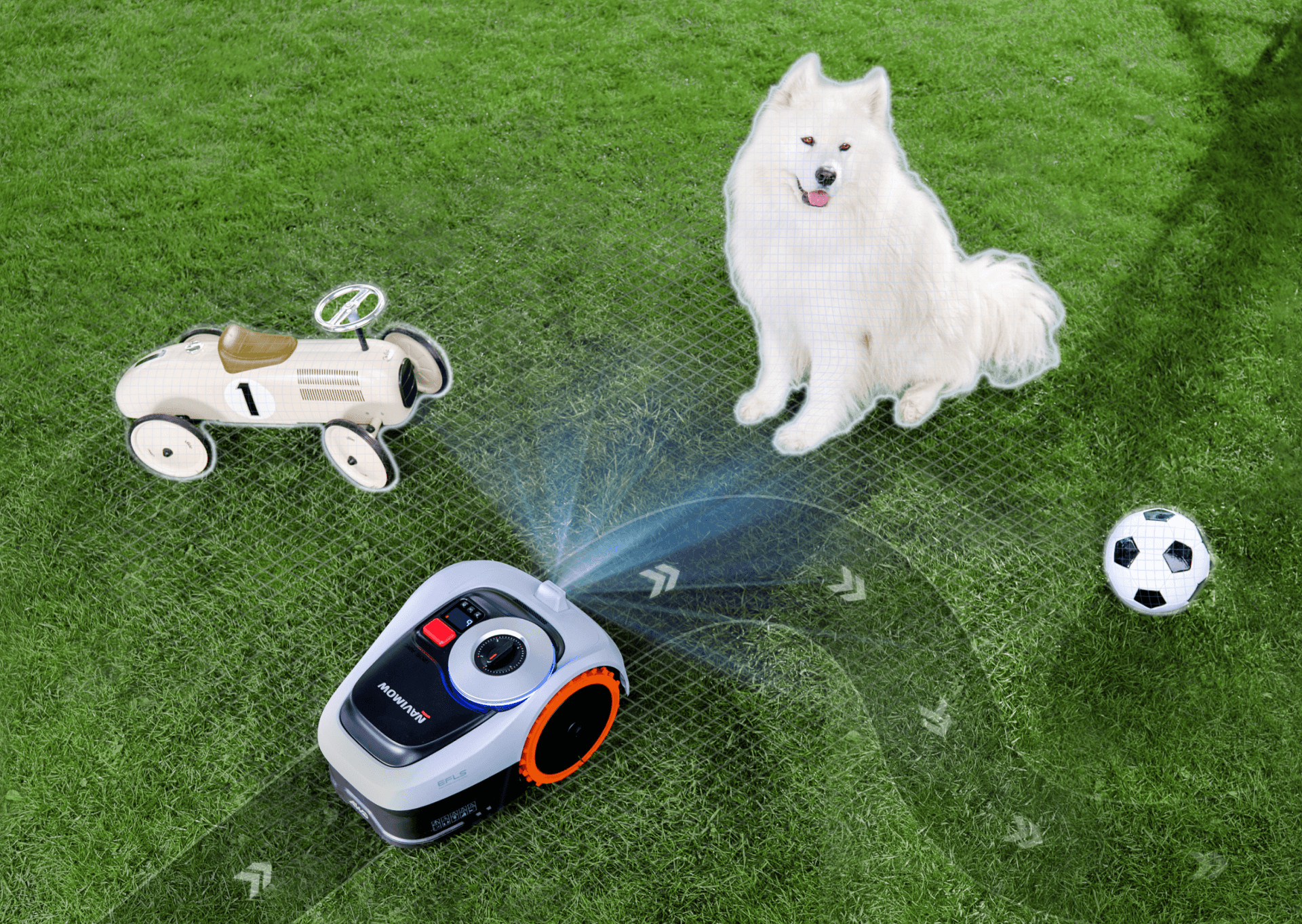
  • VisionFence™: Combines LiDAR and a 140° RGB camera to identify over 200 types of objects.
  • Powerful Drive: Rear-drive system handles slopes up to 45% (25°) on lawns up to 2,000m² (I210E LIDAR & I220E LIDAR)


LIDAR PRO (I210E LIDAR PRO) Performance Features: 

Powerful Drive –  Rear-drive system handles slopes up to 55% (29°) on lawns up to 1,000m².

Triple Fusion Navigation – Combines LiDAR, Network RTK, and Vision for millimetre-level precision in any garden condition.

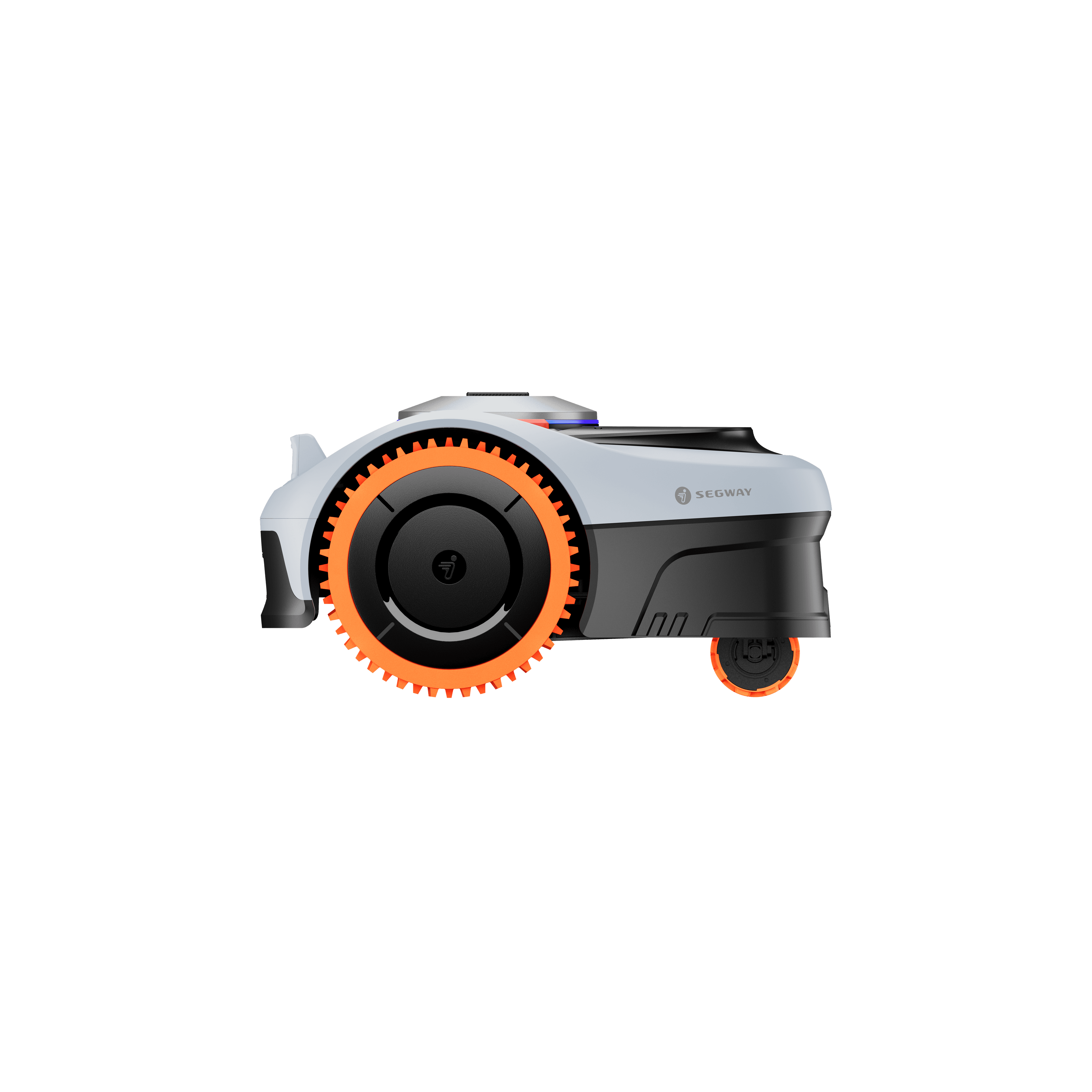
3 AWD (All-Wheel Drive):

  • All-terrain mastery with with adaptive Traction Control System to prevent scuffing on wet or slippery surfaces
  • Confidently tackles slopes up to 55% with precision
  • Xero-Turn™ tech which rotates cleanly with minimal turf disturbance.


RRP (inc VAT) from £1099

In-store exclusive models (enter your postcode to find your nearest Authorised Dealer):

NEW – I2 AWD Series: I206EAWD | I210EAWD

NEW – I2 LIDAR & LIDAR Pro Series: I210ELIDAR | I210ELIDAR PRO | I220ELIDAR


Models available to purchase online:

i205 AWD, i208 AWD, i208 LiDAR, i215 LiDAR, i220 LIDAR Pro

Buy From A Stockist

Find your local Stockist by entering your Postcode below

Segway Navimow i2 LIDAR & LIDAR PRO Robotic Mower
Buy From A Stockist
icon_quiet
59 dB (A) Ultra Quiet Operation
icon_warranty
Up to 3-Year Warranty
icon_Water_Dustproof
IP66 Dustproof & Waterproof
Lifetime Customer Support

Next-Gen High-Res LiDAR Revolutionary 3D Spatial Intelligence

High-Res Solid-State LiDAR + Vision Dual Fusion System

Using technology derived from autonomous-driving LiDAR, i2 scans approximately 200,000 points per second to generate a richly detailed map with almost no blind spots. Every contour and corner of your yard is captured to support rock-steady navigation in all conditions.

  • 200,000 Pts/Sec – More Precise
  • >4x Higher Resolution – Sharper Details vs Others
  • 70m Long-Range – Sees Farther
  • 50ms Scan Interval – Reacts Faster

i2LIDAR-1.2-PC

Simply Drop and Mow

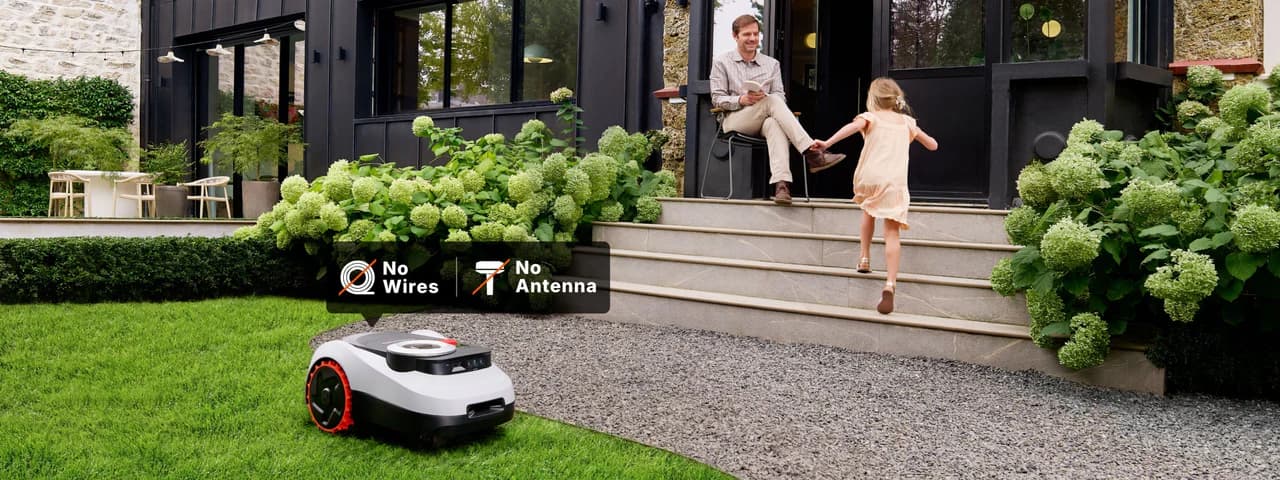
No wires, no antenna, no hassle. Thanks to our latest LiDAR-powered navigation, i2 LiDAR is ready the moment you unbox it. Connect, tap start, and your mower begins mapping your lawn within seconds.

i2LIDAR-4.1-PC

One-Click Auto Mapping

Just drop your mower and tap start. i2 LiDAR instantly scans and maps your yard. It really is that simple.

i2LIDAR-4.2-PC
800 x 568 - Geosketch Technology

GeoSketch ™

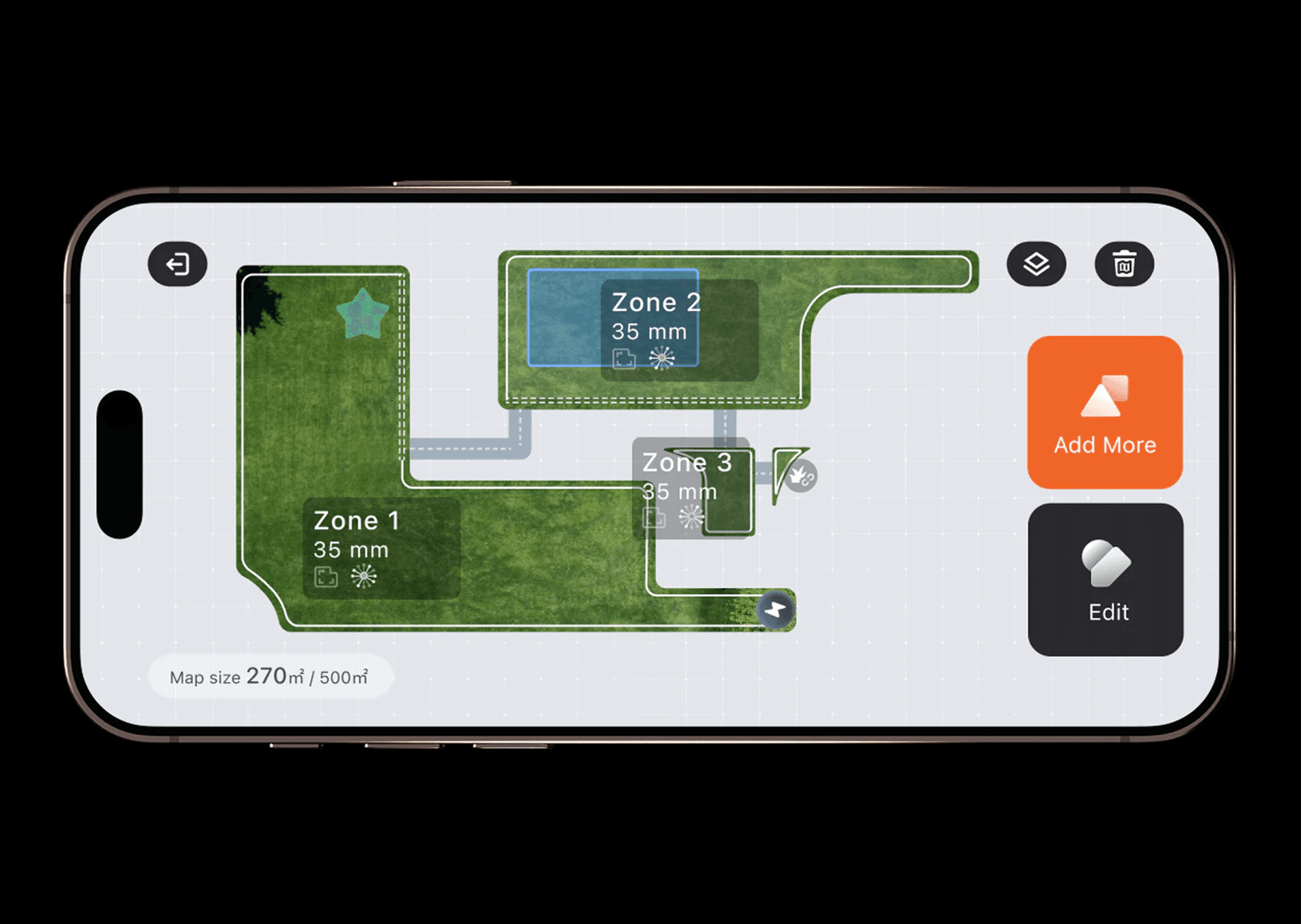
A true-to-life view of your garden. Generate vivid, real-scene maps in the app. Edit boundaries visually, adjust edges, and fine-tune your mowing plan with intuitive, point-and-tap controls.

Precise Performance, Antenna Free

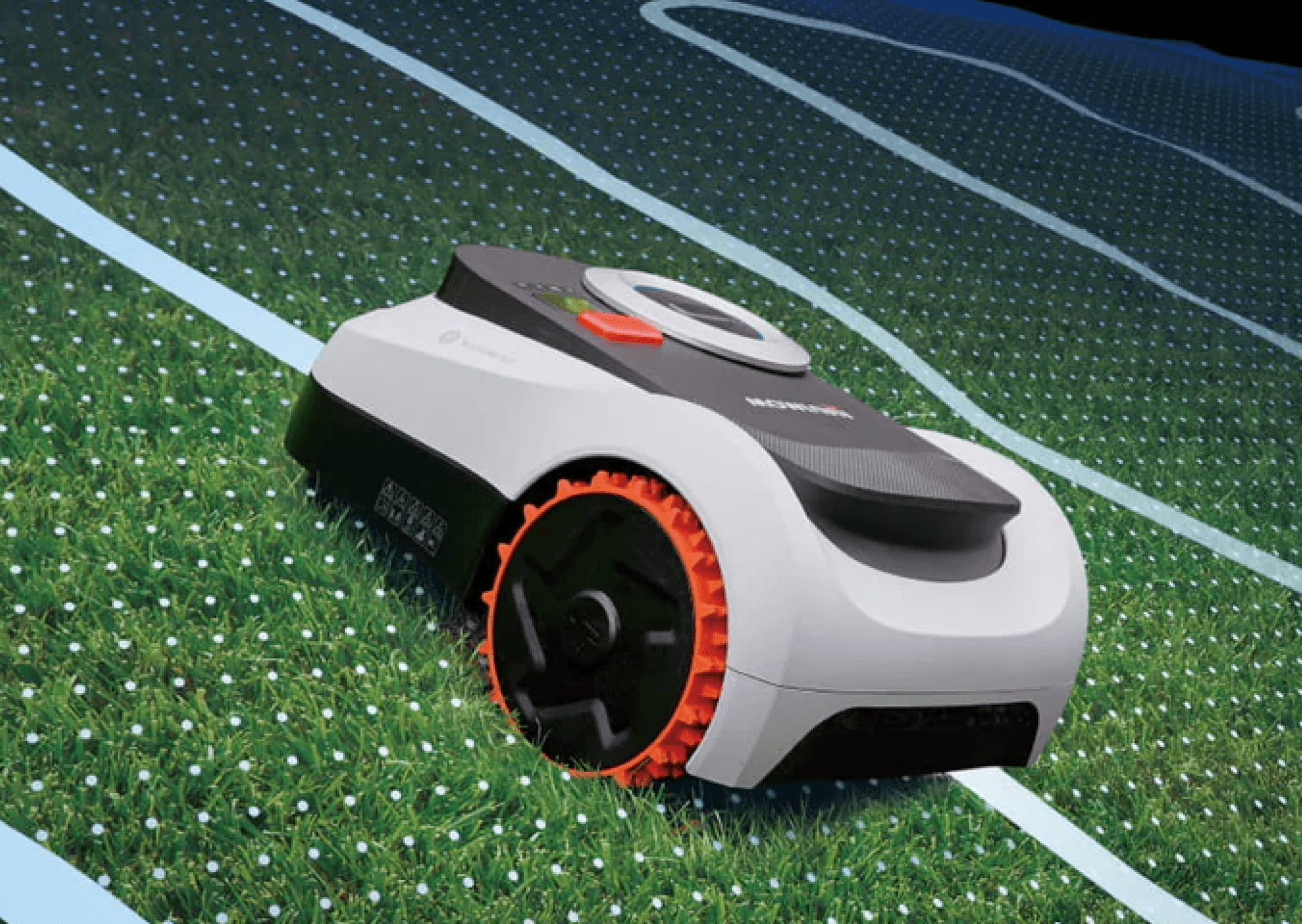
Powered by our industry-leading EFLS™ LiDAR (LiDAR and Vision) dual fusion, i2 LiDAR creates its own reliable navigation network without depending on satellites. Positioning remains stable even in challenging scenes.

  • Navigates confidently through 70 cm passages
  • LiDAR-based mapping handles dense canopies with no dropouts
  • LiDAR maintains identical performance in total darkness. Unwavering accuracy day or night

800 x 568 - Navigate in all conditions

The End of Fragile LiDAR

Unlike mechanical LiDAR with fragile rotating parts or assemblies prone to scratching, Navimow solid-state  LiDAR has no moving parts. Designed for embedding into systems, it offers a robust, and long-lasting solution.

  • Embedded, scratch-resistant design
  • No fragile rotating parts
  • 60+ reliability tests passed
  • 50G vibration-shock resistance for long-term durability

800 x 568 - tough lidar

VisionFence™

LiDAR + Vision, Advanced Perception. 200+ Obstacles Avoided.

1 cm Precision Detection – From chair legs to children’s toys, i2 LiDAR detects small objects with remarkable accuracy for seamless navigation.

Suspended Object Awareness – 3D LiDAR perception recognises overhead risks (swings, trampolines, even car undercarriages) and only passes when clearance is safely confirmed.

Animal-Friendly – Detects over 20 animal types from a distance of 1 meter or more, slows automatically, and maintains a cautious buffer throughout operation.


800 x 568 - detection2

Absolute Control, Up to 55% (29°) Slope

Powerful mowing right down to details. Slopes? Mastered.

Off-road wheels + electronic stability control (ESC) actively regulates wheel motion to maintain a stable centre of gravity.

Combined with high-grip off-road wheels, the i2 LiDAR climbs and turns on 45% (24°) slopes with confidence (i210 and i220 LIDAR models) and 55% (29°) slopes for i210 LIDARPro model.

800 x 568 - Slopes

Tough on Grass

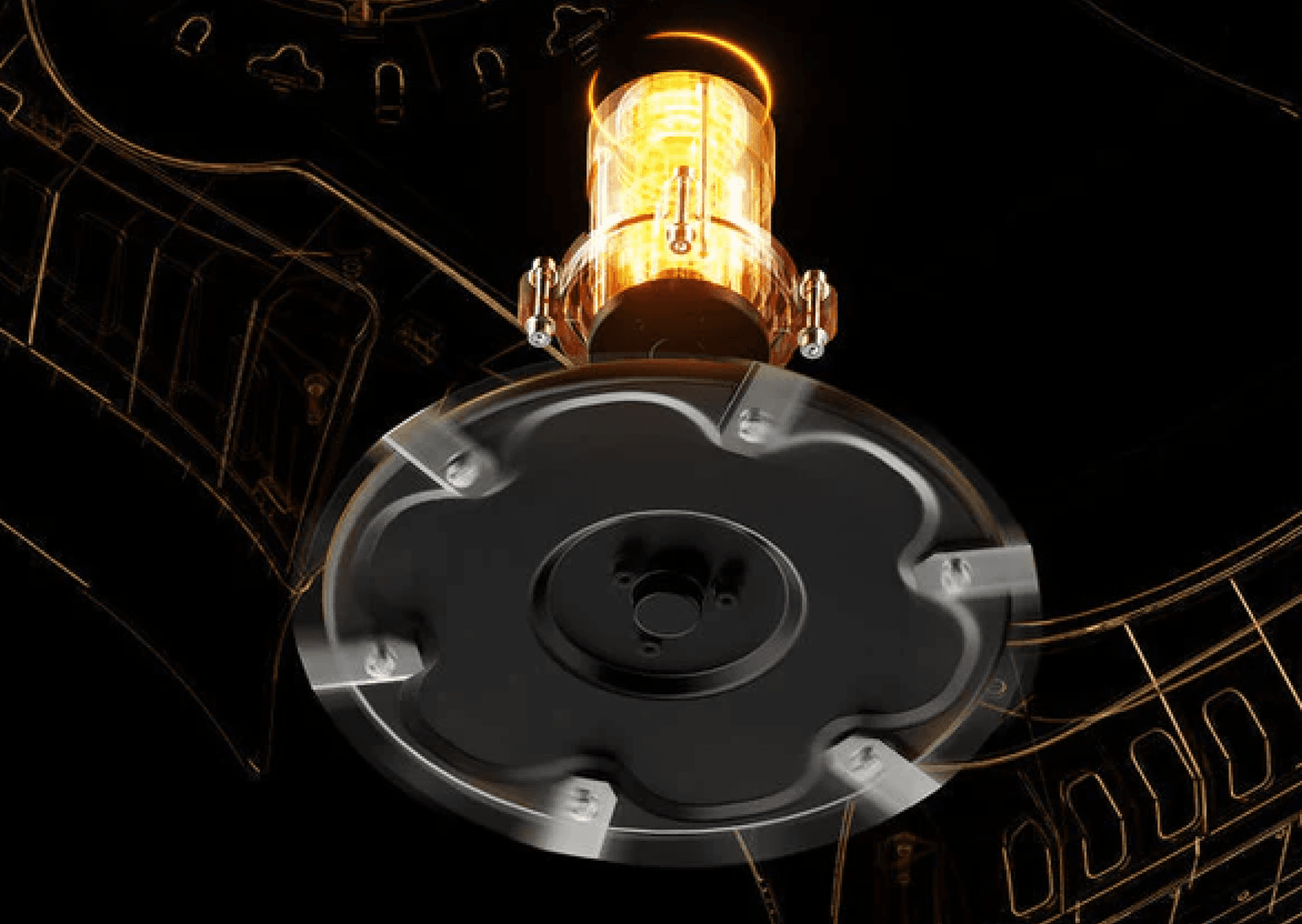
A 100W peak-power motor and 6-blade cutting disc slice through dense grass and hardy weeds without hesitation.

800 x 568 - tough on grass - blades

EdgeSense™ for Seamless Borders

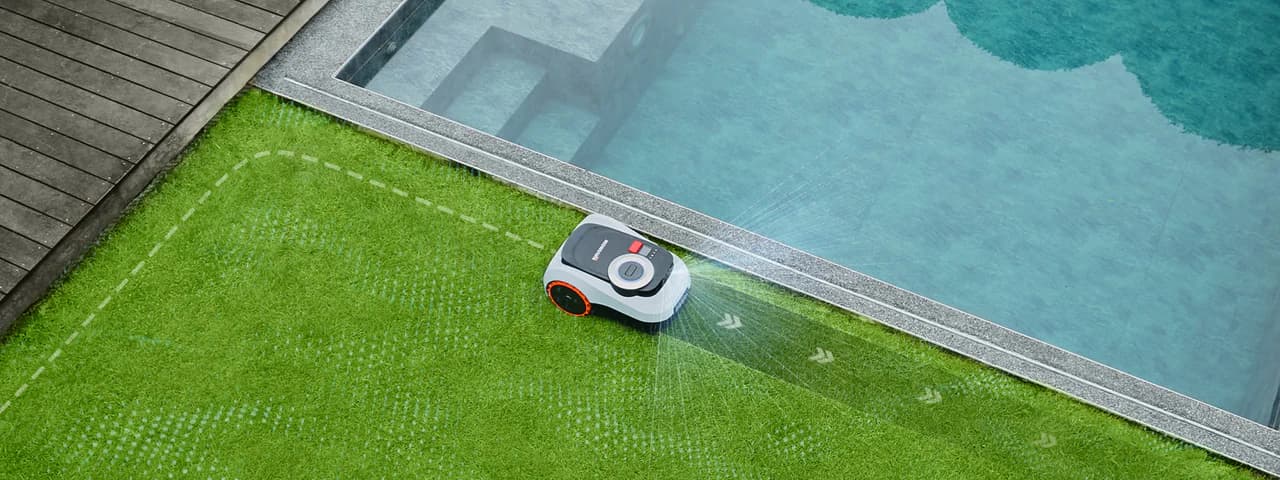
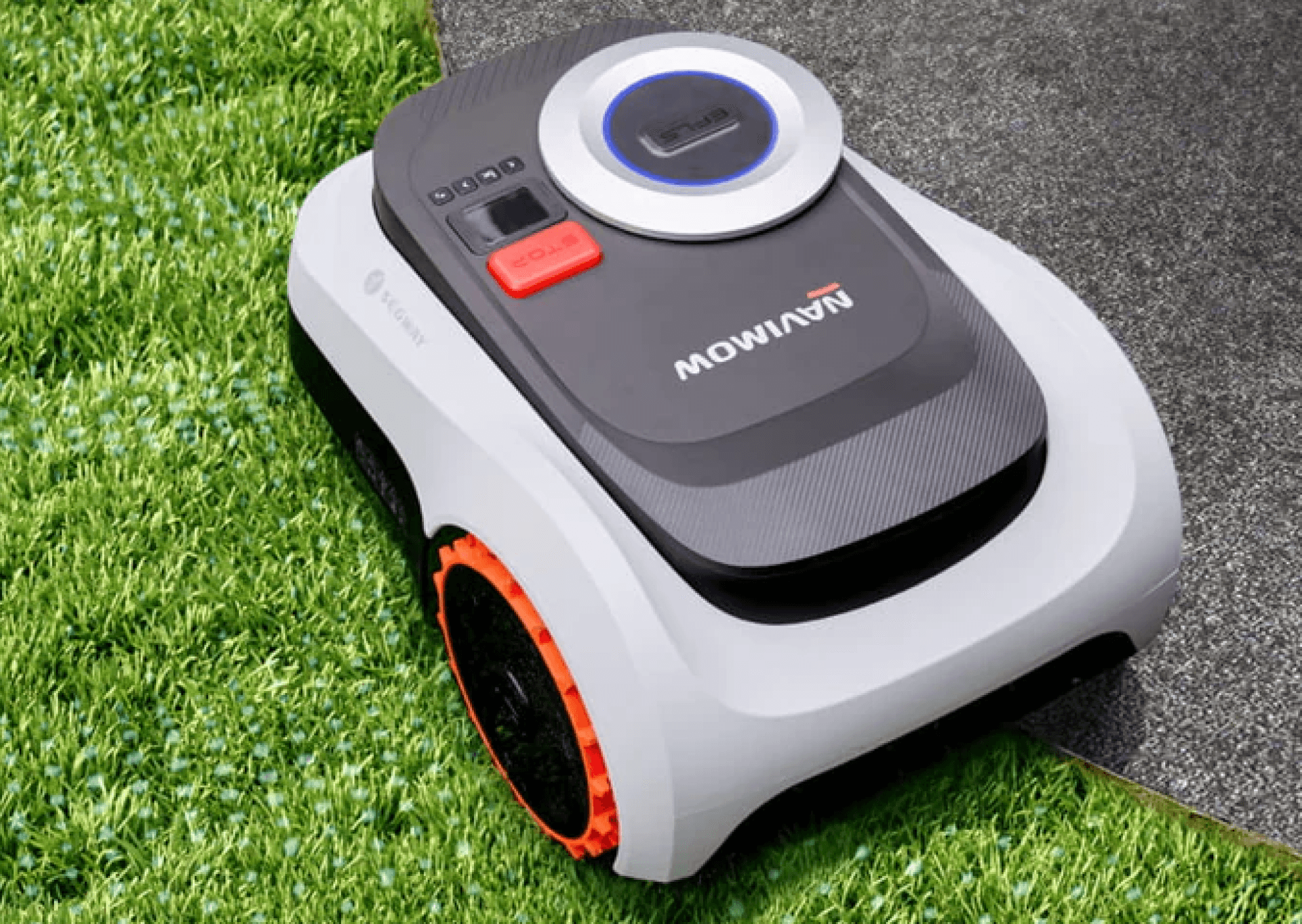
Ride-on cutting ensures smooth transitions and clean edges along walls, fences, and pathways.

800 x 568 - Edge Sense

Intelligent. Resilient. Hassle-Free.

Always Tracked, Always Protected

24/7 protection — even when powered off or offline.

- Geo-fence alerts

- Lift alarm

- GPS tracking

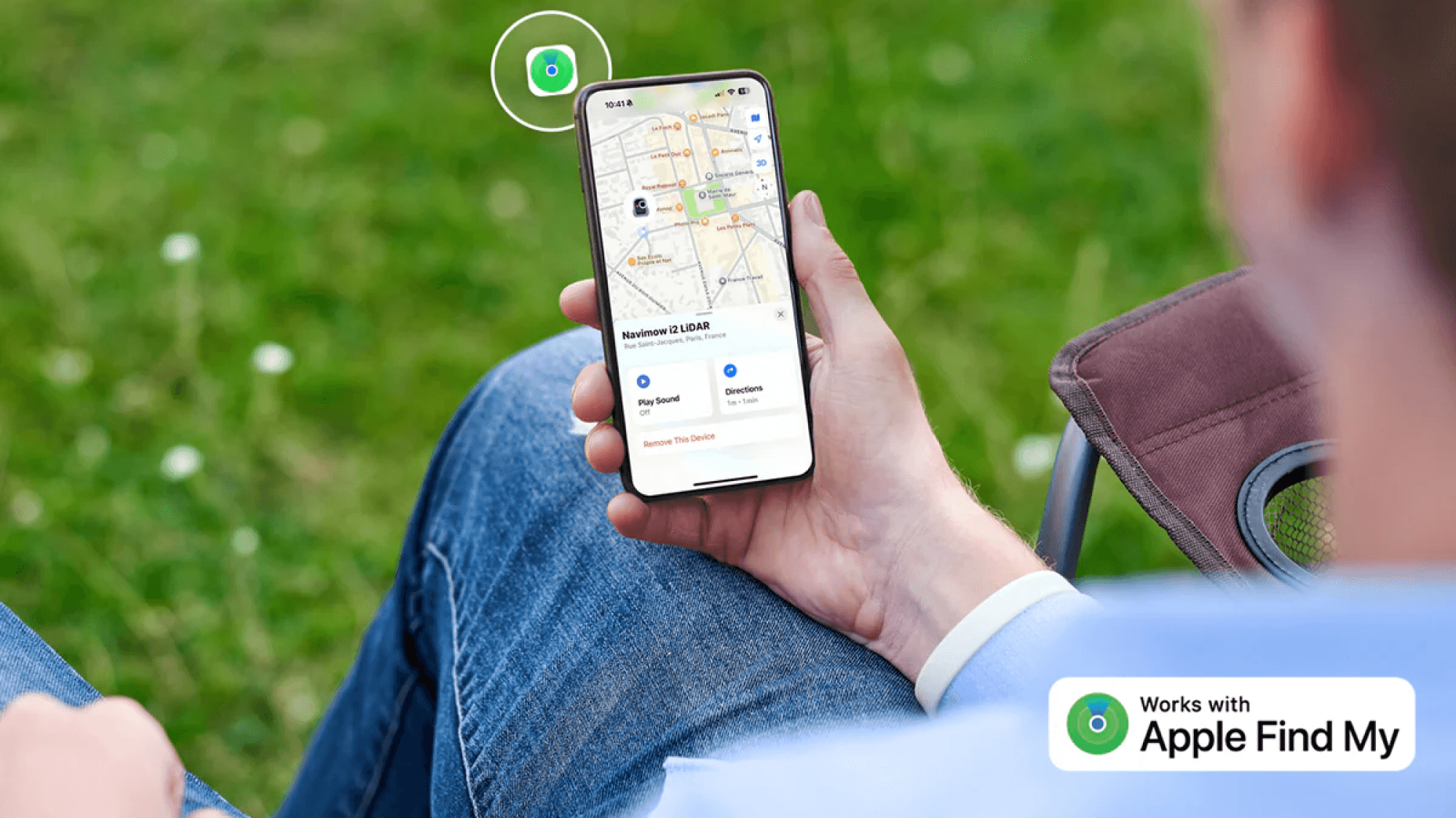
- Apple Find My support

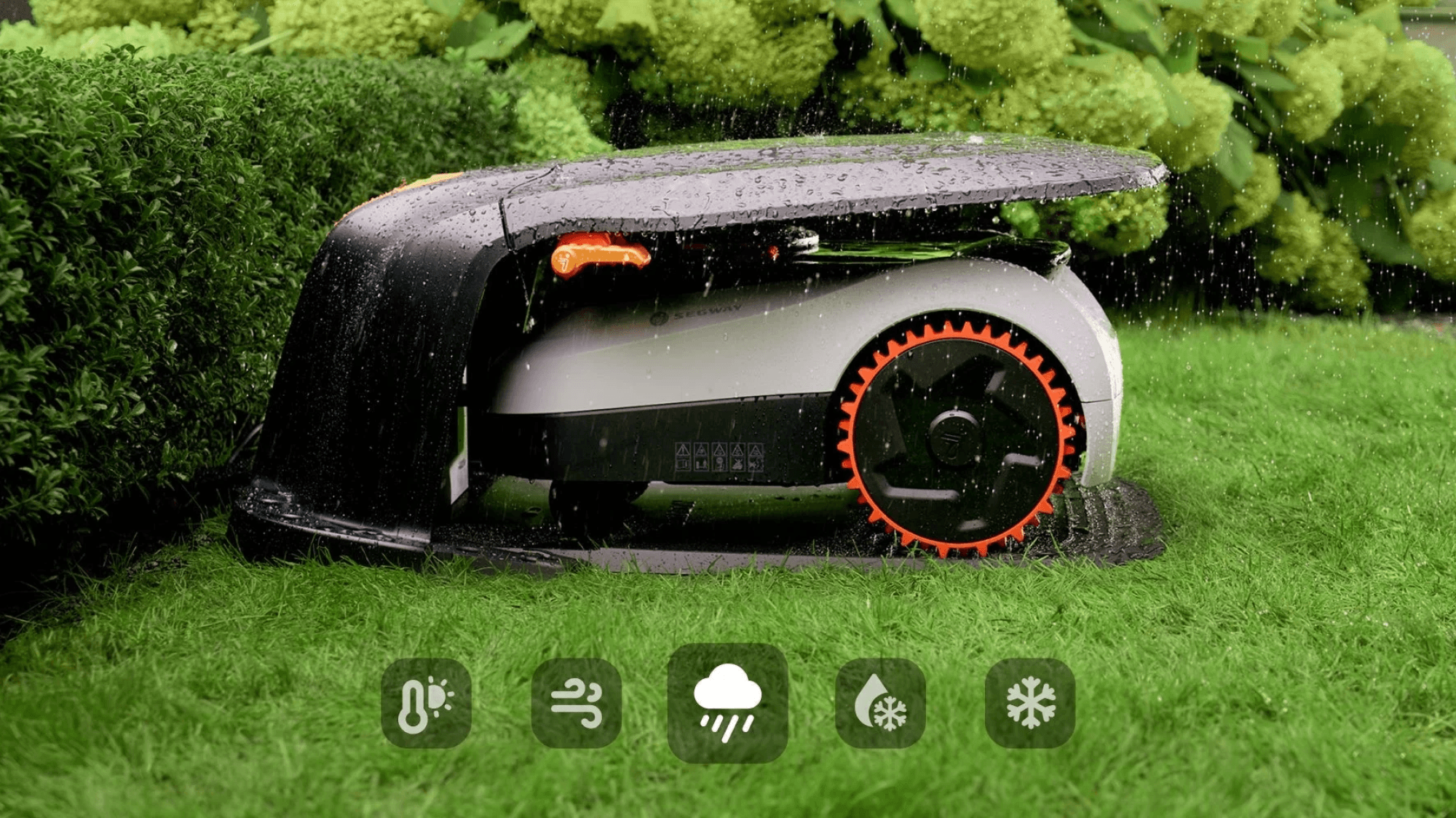
Automatically pauses and returns home during heavy rain, frost, snow, strong wind, or extreme heat.

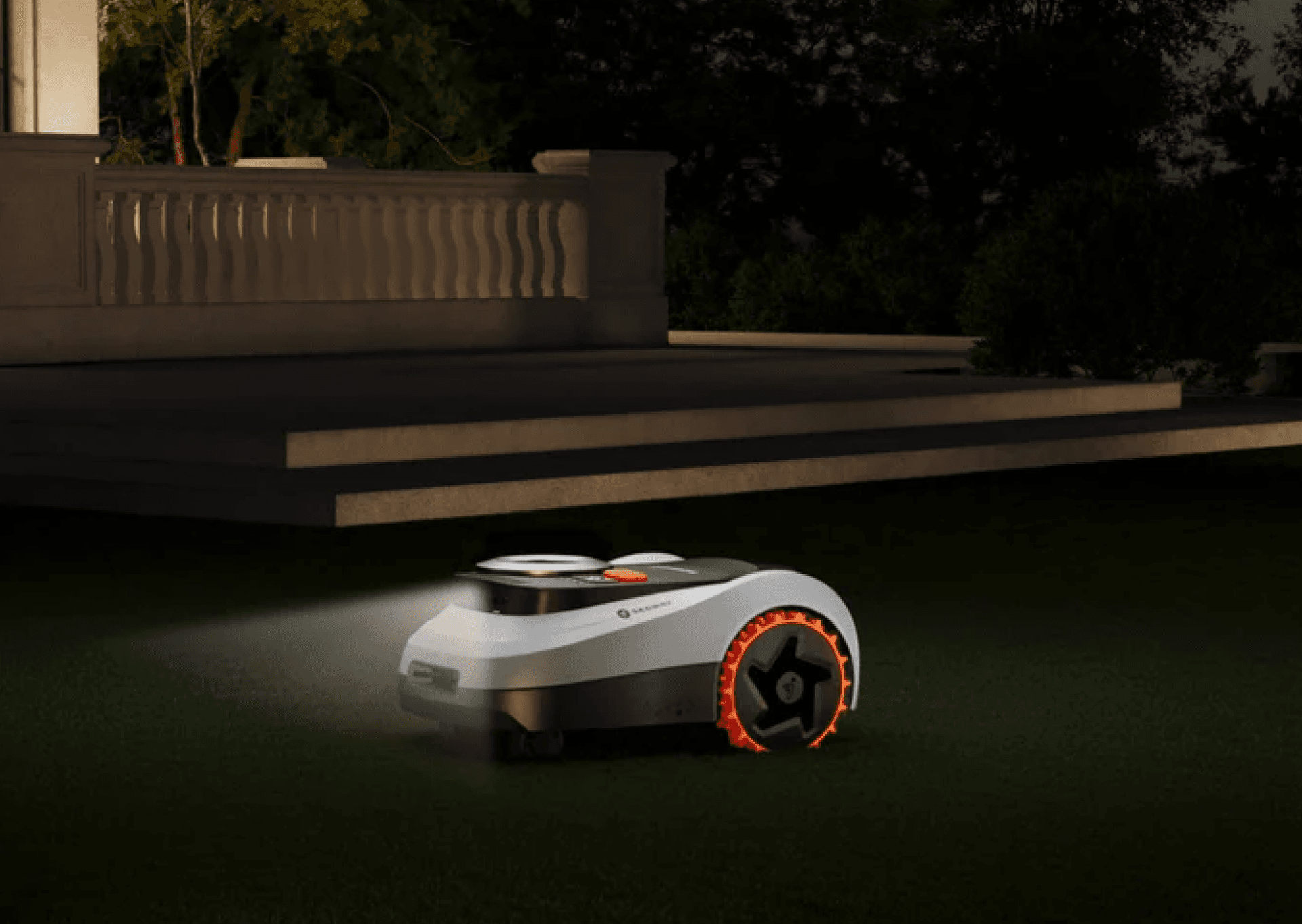
Peaceful mowing that blends into your garden’s ambiance.

Highly Durable - Safely stores and operates between -20 °C and 50°C without performance loss. IP66 Waterproof and Dustproof - Built tough to save you time. Maintenance as simple as a rinse.
1000 x 562 - weather protected
1000 x 562 - find my

Multi-Zone Management

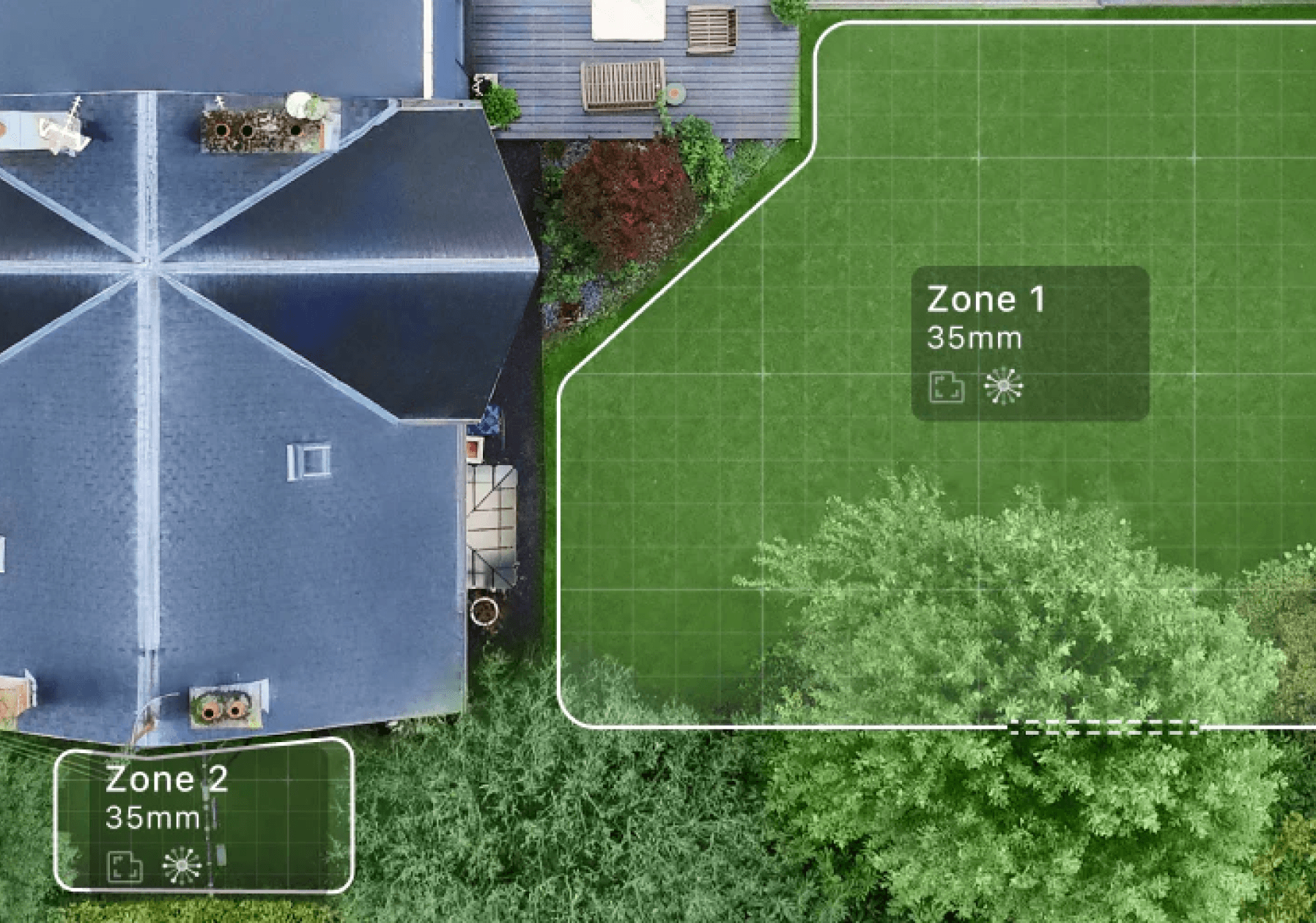
Customise mowing height, schedule, and patterns across up to 20 separate areas, all from the app.

1000 x 562 - Multizone management

Customize mowing height, schedule, and patterns across up to 20 separate areas, all from the app.

User Tips

User Tips - App Lifestyle Image

Navimow App

Download the Navimow app for easy robot activation (support Bluetooth, Wi-Fi and optional 4G), user guidance and remote control. Manage and control your Navimow at your fingertips.

User tips - Android Play StoreUser tips - Apple App Store

FAQs

(Navimow i2 LIDAR) What’s the Maximum Supported Mowing Area?

The Navimow i2 LIDAR and LIDAR PRO series includes multiple models designed for different lawn sizes. The maximum area each model can handle depends on hardware factors, such as battery capacity and charging speed.

For user convenience, these area limits are not absolute — a slight margin beyond the specified limit is allowed.

The maximum mapping area supported varies across different product series. Please refer to the parameters below for details.

I210E LIDAR supports up to 1,000m²

I220E LIDAR supports up to 2,0000m²

I210E LIDARPRO supports up to 1,000m²

Currently, the Navimow i2 LiDAR uses its camera system for edge cutting, allowing it to detect and follow physical boundaries in real-time. This system adapts to real-world conditions and dynamically adjusts to boundaries. However, performance can be influenced by environmental factors, which may lead to occasional deviations from the boundary.

To enable Edge Mowing, go to App Home > Settings > Map management > Edit > Edge Mowing. Once enabled, Navimow i2 LiDAR will automatically perform edge mowing three times at the start of each mowing task, including along the edges of Off-Limit Islands.

Suggestions for Improvement:

To ensure the performance of Edge Mowing, remove obstacles from the boundary.

If the Navimow i2 LiDAR frequently deviates from the boundary, please contact us at support-navimow@rlm.segway.com (for EU users).

Step 1: Connect to the power supply and charge the mower

NOTE: A new mower may have a low battery after a long-time storage. Fully charge the mower before the first use.

1. Place the mower in the charging station. Make sure the charging strip on the mower and the contact strip on the charging station are in good contact.

2. Connect to the power supply cable, and use the extension cable if needed.

3. Plug into the power outlet.

Step 2: Power on and activate the mower

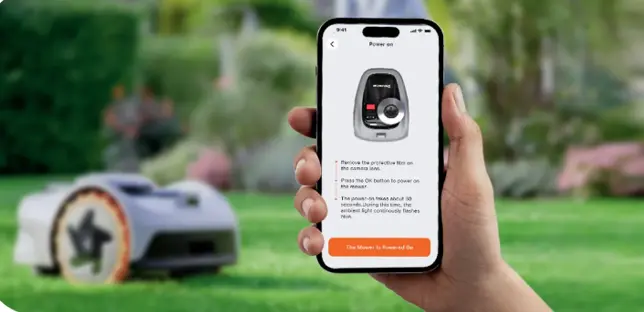
1. Press OK and hold for 1 second to power on the mower.

2. Enable Bluetooth on your phone, log in to the APP, and follow the instructions to pair with the mower. To begin with, tap ‘Add device’, and then select ‘Navimow i2 Series’.

3. Connect the mower to a 4G or Wi-Fi network.

Step 3: Find Locations


Do:

To ensure proper operation and smooth docking, make sure the area in front of the charging base remains clear for at least 2 meters, with a minimum of 0.5 meters of unobstructed space on both the left and right sides.

Don’t:

1. Do not install the charging station on a slope. Place the charging station on a flat non-hardened ground.

2. Stay away from sprinkler heads, fountains or other outdoor water systems.

3. Stay away from substations, generators, water pump stations and air conditioners.

Step 4: Upgrade to the latest firmware

We regularly release firmware updates to improve your mowing experience.

To receive updates automatically, keep the mower on its charging station and ensure it is connected to Wi-Fi. When a new firmware version is available, it will download and install automatically.

You can check the current firmware version in the app:

Home Settings Device Management Firmware Version.

When “OTA” appears on the mower’s screen and the ambient light flashes white, the mower is updating its firmware.

Please do not power off or operate the mower during this process. The update usually takes about 10–15 minutes.

Once the ambient light turns green, the update is complete and the mower is ready for use.

To perform the firmware upgrade, make sure the following conditions are met:

—The mower is on the charging station.

—The mower is connected to a network with a strong signal (4G or Wi-Fi).

—The battery power is more than 20%.

—There is no mowing schedule in the next hour.

Yes, the Navimow i2 LiDAR allows you to control the Navimow i2 LiDAR remotely when it is connected to WiFi or 4G. You can start a mowing task, check the mowing progress and the battery level, etc.

To enable this, simply go to Home > Settings > Network in the app.

NOTE: If you need to use the manual control mode to operate the mower’s movement, a Bluetooth connection is required, and it can only be operated when physically near the mower


Main IoT (Internet of Things) functions include:

1. Remote Control: Control the Navimow i2 LiDAR via the app from anywhere, including starting mowing, returning to the charging station, creating schedules, and adjusting the cutting height.

2. Remote Monitoring: Check the Navimow i2 LiDAR’s status remotely, such as the mowing progress and battery level.

3. OTA (Over-the-Air) Firmware Updates: Receive automatic updates to keep the Navimow i2 LiDAR’s software up to date.

4. Remote Location and Alarm: Through the app under Home > Settings > Anti-Theft > Find my mower, remotely check the mower’s location and trigger the sound alarm.

5. Map Edit: When connected to the internet, you can edit your lawn map directly from the app at any time. This includes adjusting the boundary, adding or modifying Visionfence Off-Zones, and doodles. Please note that adding or modifying Off-limit islands and channels are not supported.


Find My is an exclusive Apple feature that helps you track your Navimow mower. Once your mower is linked to your Apple ID, nearby Apple devices can securely detect its Bluetooth signal and report its approximate location to iCloud — even if the mower is powered off. You can then view its location in the Find My app at any time. The entire process is anonymous and end-to-end encrypted, ensuring your privacy is fully protected.
For more information about the features available in the Find My app, please visit the Apple Support page for your region: https://support.apple.com/en-us/104978

You can go to App Home > Settings > Parts Maintenance to check for maintenance and replacement suggestions for the blades and other parts.

Typically the blades should be replaced after 80 hours of use.

The Anti-Theft function helps protect your Navimow robotic mower by sounding alarms and allowing you to locate it precisely in case of unauthorized movement or theft.

Anti-Theft Overview

The Anti-Theft feature includes two main functions: Alarm and Locate.

1. Alarm

There are two types of alarms:

a. Mower Lifted Alarm

When enabled, the mower will sound an alarm and send a notification if it is lifted for a few seconds.

The alarm will not be triggered if:

1. Your phone is connected to the mower via Bluetooth.

2. Mapping is in progress.

3. The map has not been created yet.

4. An alarm was already triggered within the last 10 minutes.

Tip to avoid false alarms:

Before carrying the mower to another area, connect your phone to the mower via Bluetooth first.


b. Geo-Fence Alarm

When enabled, Navimow will monitor its position, and if it goes beyond the defined geo-fence, it will:

• Sound an alarm

• Send you a notification

You can silence the alarm and stop receiving notifications by entering the PIN code.

To exit silent mode, restart the mower or place it back on the charging station.

Note:

You must also enter the PIN code to restart or power off the mower.

Be sure to change the PIN from the default.


2. Locate My Mower

This feature lets you:

• Check the mower’s real-time location.

• View the last valid location before it went offline.

3. Findy My (By Apple)

If enabled, Find My allows you to check the mower’s approximate location through Apple’s Find My app, providing an additional layer of protection in case of loss or theft.

Note: Geo-Fence Alarm and Locate My Mower will not work if the 4G service expires.

The Anti-Theft function helps protect your Navimow robotic mower by sounding alarms and allowing you to locate it precisely in case of unauthorized movement or theft.


Anti-Theft Overview

The Anti-Theft feature includes two main functions: Alarm and Locate.


1. Alarm

There are two types of alarms:

a. Mower Lifted Alarm

When enabled, the mower will sound an alarm and send a notification if it is lifted for a few seconds.

The alarm will not be triggered if:

1. Your phone is connected to the mower via Bluetooth.

2. Mapping is in progress.

3. The map has not been created yet.

4. An alarm was already triggered within the last 10 minutes.

Tip to avoid false alarms:

Before carrying the mower to another area, connect your phone to the mower via Bluetooth first.


b. Geo-Fence Alarm

When enabled, Navimow will monitor its position, and if it goes beyond the defined geo-fence, it will:

• Sound an alarm

• Send you a notification

You can silence the alarm and stop receiving notifications by entering the PIN code.

To exit silent mode, restart the mower or place it back on the charging station.

Note:

You must also enter the PIN code to restart or power off the mower.

Be sure to change the PIN from the default.


2. Locate My Mower

This feature lets you:

• Check the mower’s real-time location.

• View the last valid location before it went offline.

3. Findy My (By Apple)

If enabled, Find My allows you to check the mower’s approximate location through Apple’s Find My app, providing an additional layer of protection in case of loss or theft.

Note: Geo-Fence Alarm and Locate My Mower will not work if the 4G service expires.