Good winter storage for your Navimow H2 guarantees a superb mechanical and performance state in spring and is beneficial in maintaining the battery life. Here are the procedures and tips for winter storage to prepare your Navimow H2 for the coming winter.
1. Preparation before winter storage
1.1 Disable all mowing schedulesOpen the Navimow app and go to Home > Settings > Mowing Schedule to disable mowing schedules.
2. Hibernate Your Mower
To save energy and preserve the battery, it is recommended to put your mower into hibernation before winter storage.
2.1 Make sure the mower’s battery is charged to at least 85%.
2.2 Tap “Begin hibernating” in the app to power off. Hibernation consumes less energy than a standard shutdown.
Note: To wake the mower from hibernation, charge it first before powering it on.
Tip: If hibernation mode is not enabled, the mower needs to be recharged once every three months.
3. Removal of the charging station
3.1 Disconnect the charging station from the power, and then power off the Navimow H2 by pressing and holding the OK button for three seconds.
3.2 We recommend that you mark the position of the charging station before removing it. Specific steps are as follows:
a) Use an Allen wrench to remove the four screws that fasten the charging station.
b) Mark the position by inserting the orange silicone pegs provided or other similar objects into the original holes.
4. Winter storage
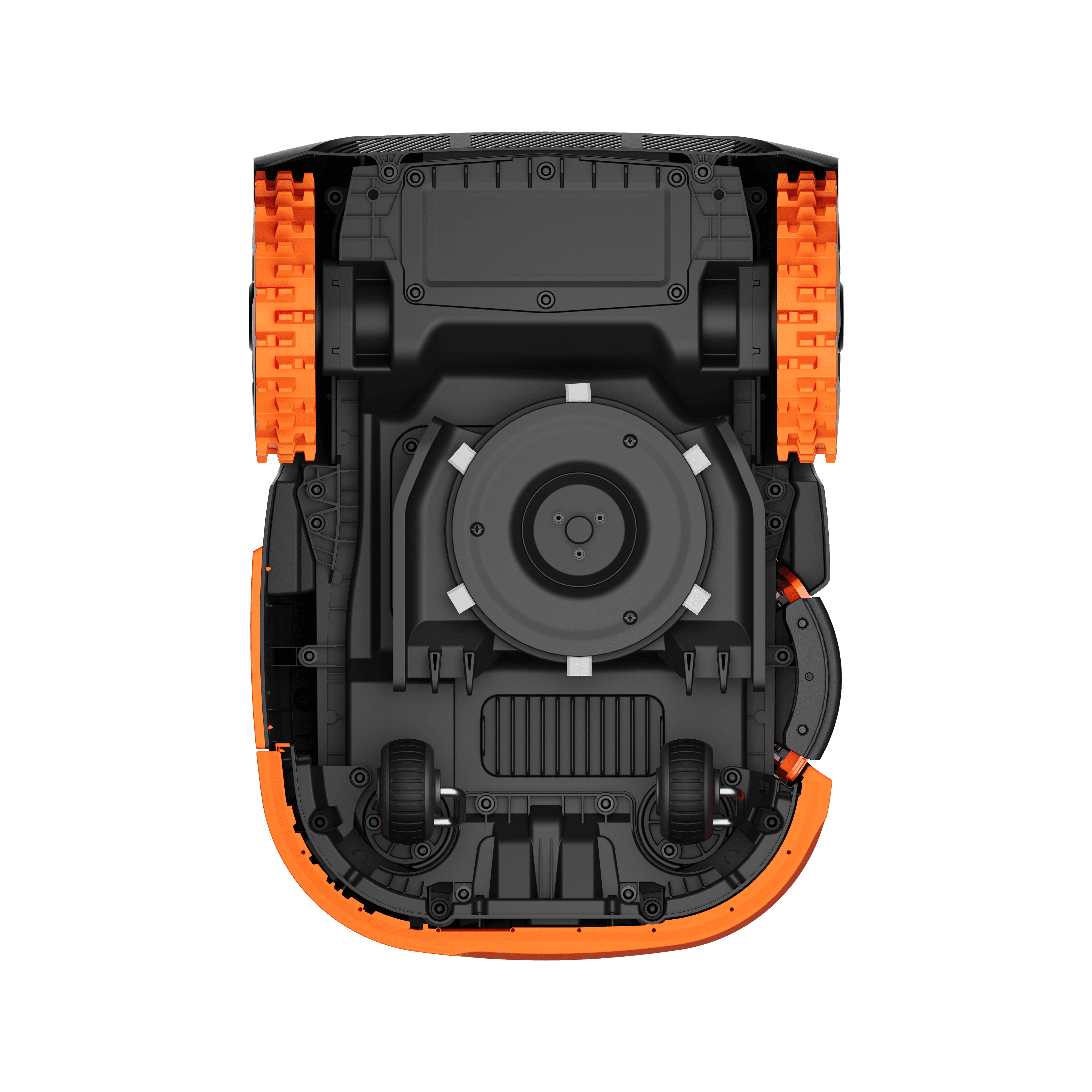
4.1 Before storing your Navimow H2, clean its whole outer shell with a wet towel or soft brush. Also, clean the mowing mechanism.
NOTE: Please wear protective gloves before cleaning the mowing mechanism to avoid being cut by the blades.
4.2 Pack the Navimow H2, charging station, power cable, and other accessories in their original packaging and store them in a dry, frost-free place at a temperature between 5 °C and 45 °C.












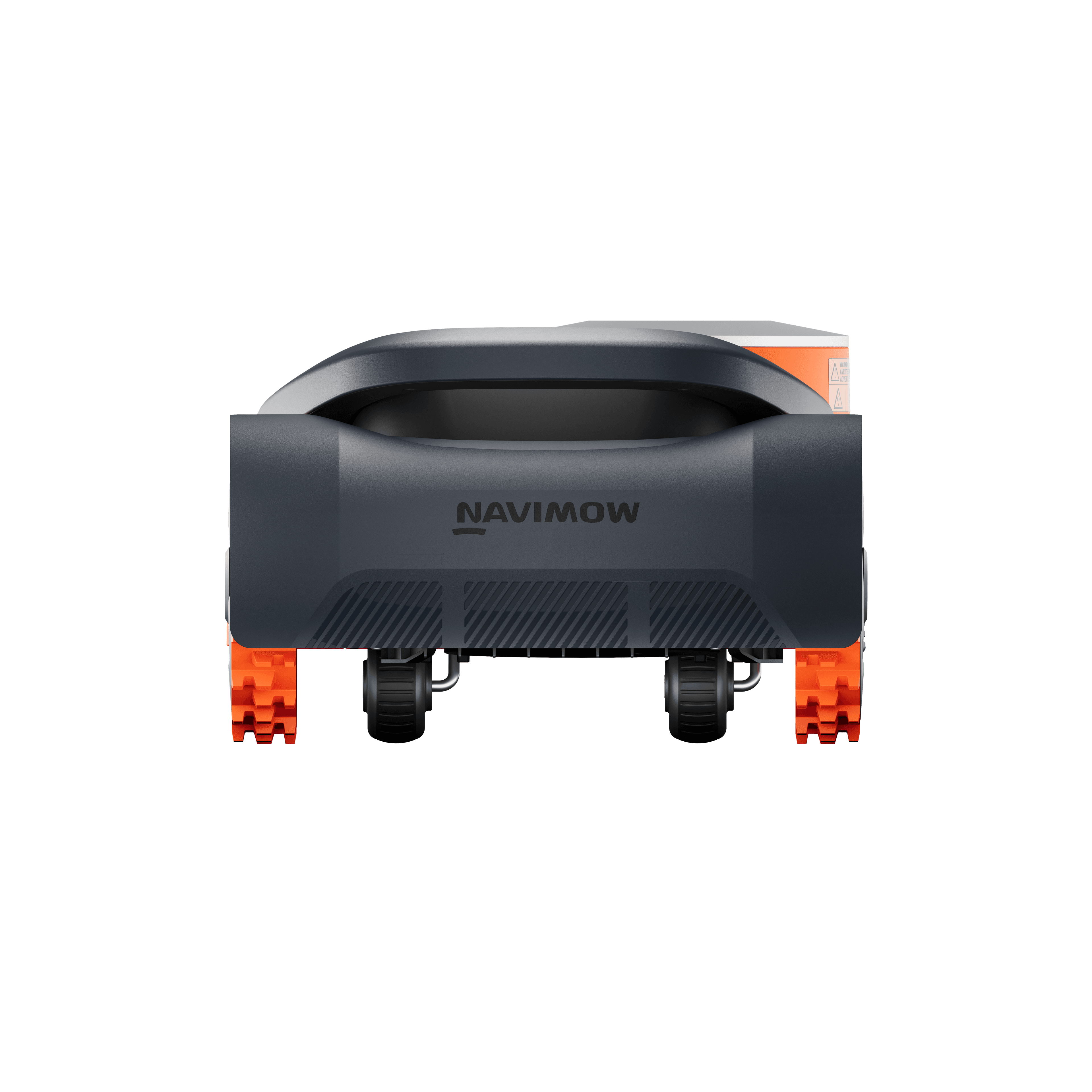










 Navimow H2 Series User Manual
 How to Videos